
Create an account
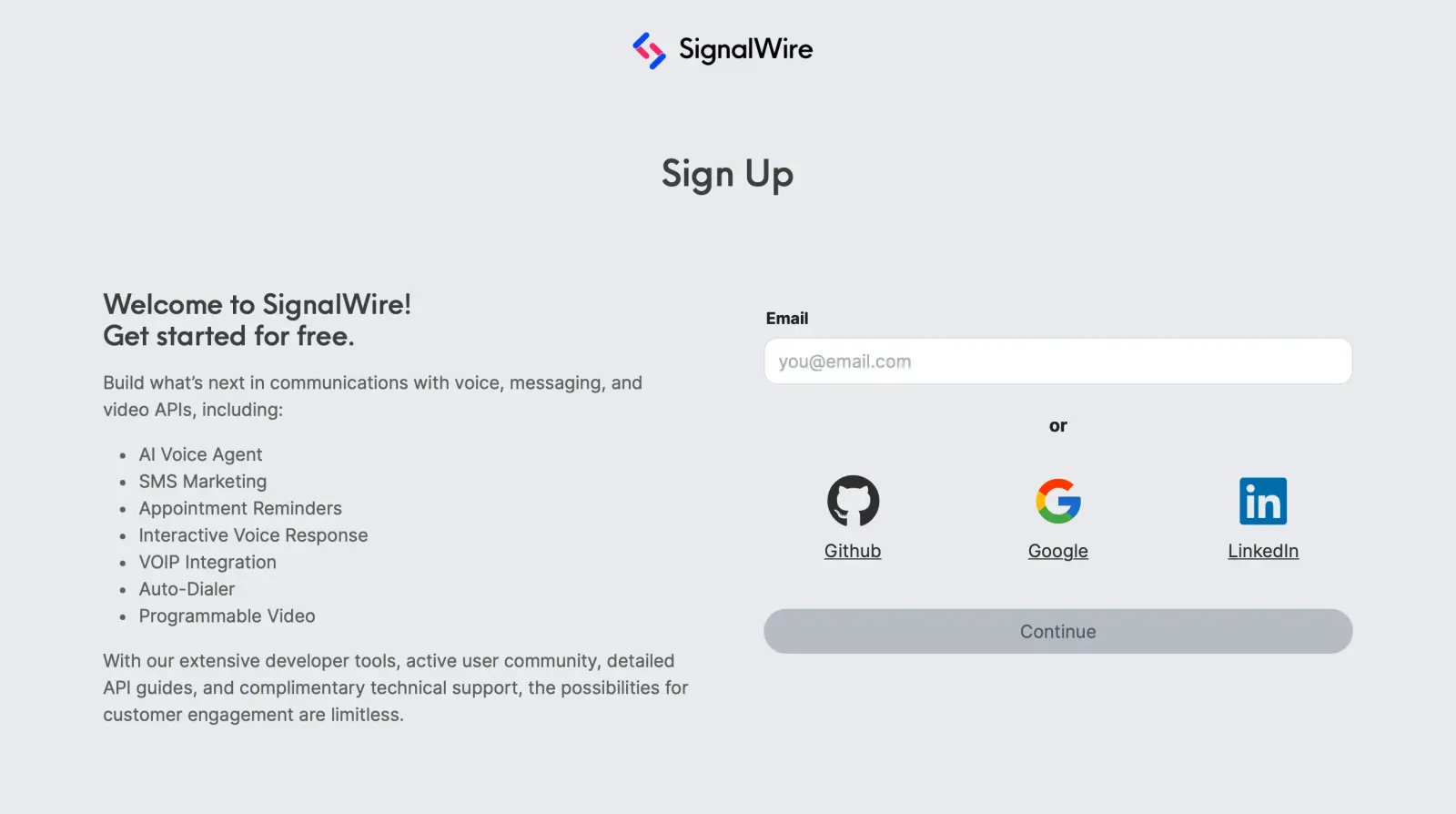
Sign up
Initiate the process by entering an email address or selecting a supported authorization provider.
Name your SignalWire Space
This is your unique .signalwire.com domain to which all services are tied.
We recommend using your company name.
Keep the following in mind:
Create a Project
Projects are used to group Resources according to your preference, such as by customer account, by geographical region, or any other classification. Name your Project something that will help to distinguish it from the other Projects you will make in the future, and you’re ready to go.
Now you have a SignalWire Space and your first Project. Congratulations!
Group work with Projects and Subprojects
You can add more Projects to your Space at any time from the Project menu in the Dashboard. A Project can also hold Subprojects: Projects nested one level beneath it, each with its own Project ID, API tokens, phone numbers, and Resources. Use a Subproject to give a customer, an environment, or a region an isolated Project. Unlike root Projects, an application can create and delete Subprojects through the REST API, with Create a subproject and Delete a subproject.
Next steps
Take your next steps by exploring the Dashboard, verifying a phone number for outbound Caller ID, and exiting Trial Mode by adding at least $5 in credit.