
Installing FreeSWITCH or FreeSWITCH Enterprise
FreeSWITCH Terminology
Before we begin, here is some general FreeSWITCH terminology that may be important for understanding this article!
Getting an Access Token
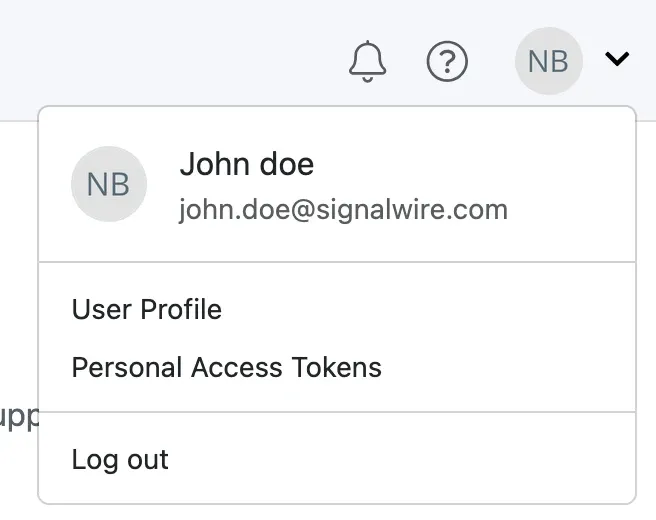
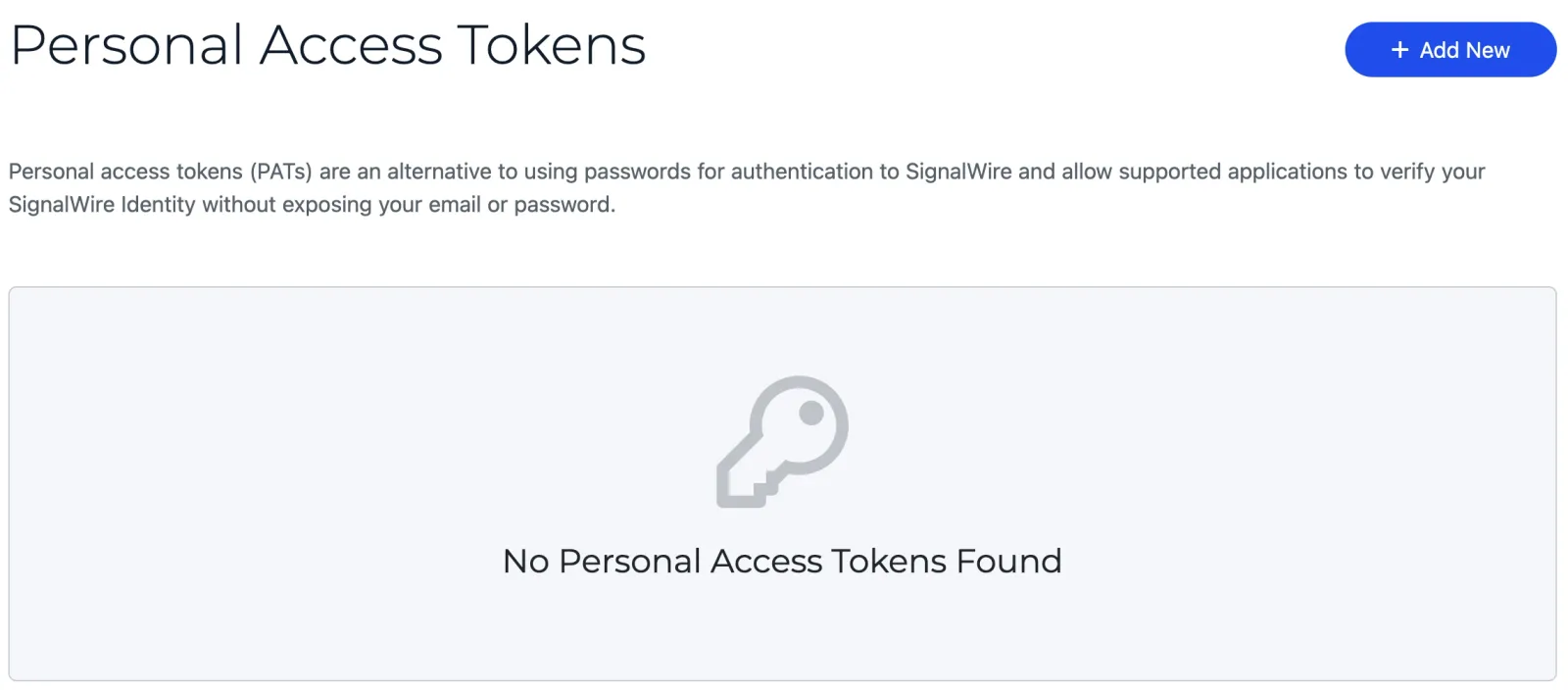
A SignalWire account is now required to download the pre-build FreeSWITCH binaries. First create a SignalWire Space, then open the user menu in the Dashboard’s top-right corner, select Personal Access Tokens, and create a token. Click here to learn more.
In case you missed the previous emails on the matter, here is the recap of this change:
- This specifically (and only) affects the built copy of the FreeSWITCH software - the binaries that turn Linux into FreeSWITCH instantly.
- It does not impact actively running instances or change the process for accessing the open-source code, which will continue to be freely available on GitHub.
- It may affect how you obtain FreeSWITCH dependencies or FreeSWITCH packages from our package repositories such as our Debian repository.
- The changes do not affect our FreeSWITCH Enterprise method of authenticating.
Choosing a repository
Repositories are divided into publicly accessible repos for the community and privately accessible repos for FreeSWITCH Enterprise (FSE) subscribers. FSE repos receive code commits as soon as they are tested, while the public repo receives updates after further vetting for stability.
Each repo has release and unstable branches. Release branches are ideal for production environments, while unstable branches are suited for lab/testing/QA environments.
You will need a subscription and credentials to access the FreeSWITCH Enterprise repository.
Working with repos
Available to the community at large:
Click here to see more about installing or compiling the public version of FreeSWITCH.
FreeSWITCH™ is now installed and can be accessed with
Must be a subscriber to access FreeSWITCH Enterprise:
Click here to see more about installing or compiling the paid version of FreeSWITCH.
FreeSWITCH™ is now installed and can be accessed with
If you need a compilation script, you can reach out to support@signalwire.com!