
Webhooks
Webhooks are HTTP requests sent to your server from SignalWire when an event occurs. They help receive information about events like inbound calls to your phone numbers, or messages.
In addition to getting information about events, some webhooks also allow you to tell SignalWire how an event should be handled.
During development, you can use localhost tunneling applications like ngrok to test your webhook handlers locally. See the ngrok quickstart guide to get started.
Configure webhooks for phone numbers
To handle an inbound call or message, you point your phone number at a Resource that holds your webhook URL. When an event arrives, SignalWire requests that URL and your server responds with SWML, the SignalWire Markup Language that tells SignalWire how to handle the call.
Resources are the building blocks of SignalWire applications. They include AI Agents, SWML Scripts, cXML Scripts, SIP Credentials, and more.
Create a Resource for your webhook URL
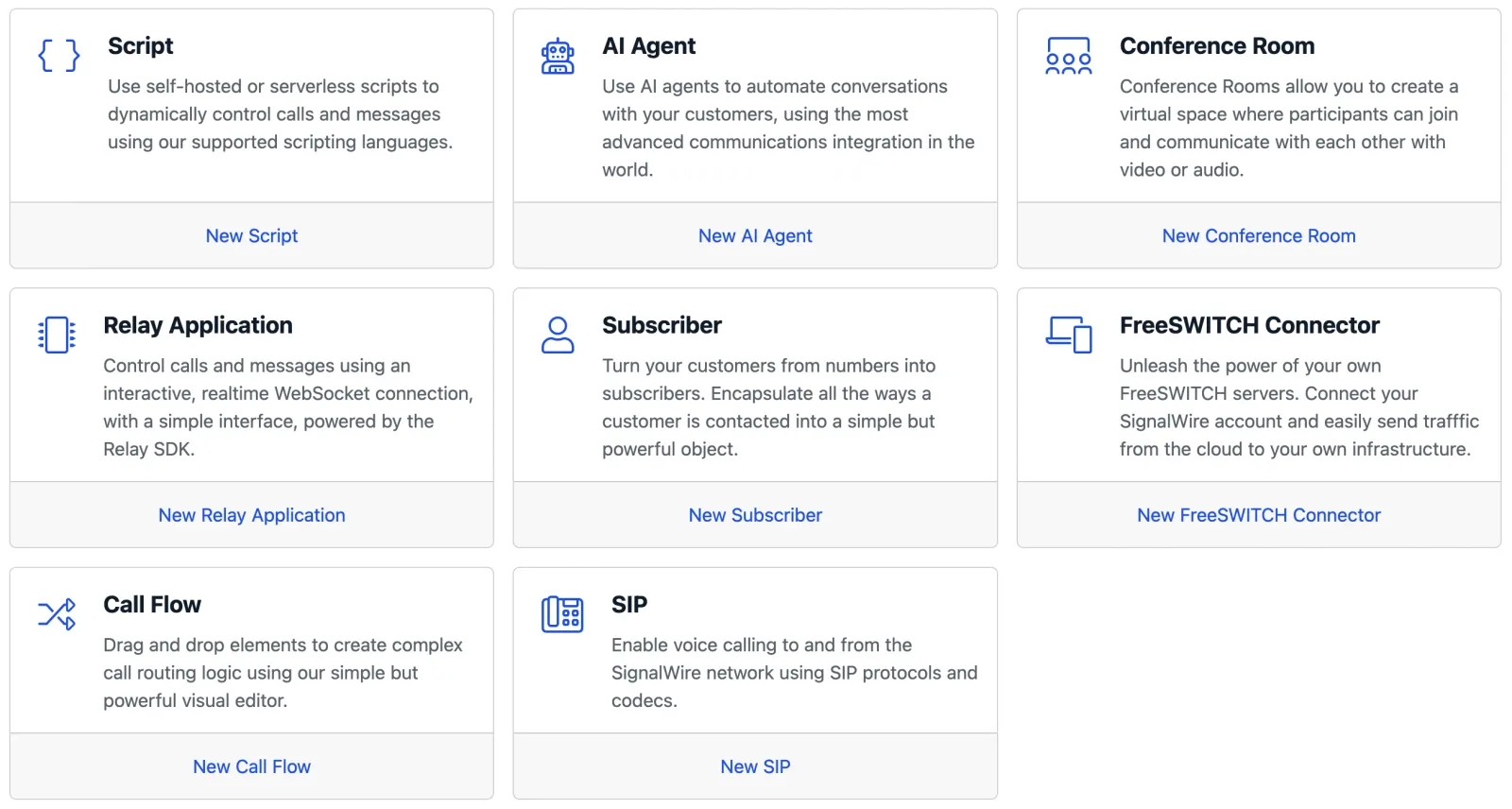
In the SignalWire Dashboard, open the My Resources tab and click + Add, then choose SWML Script.
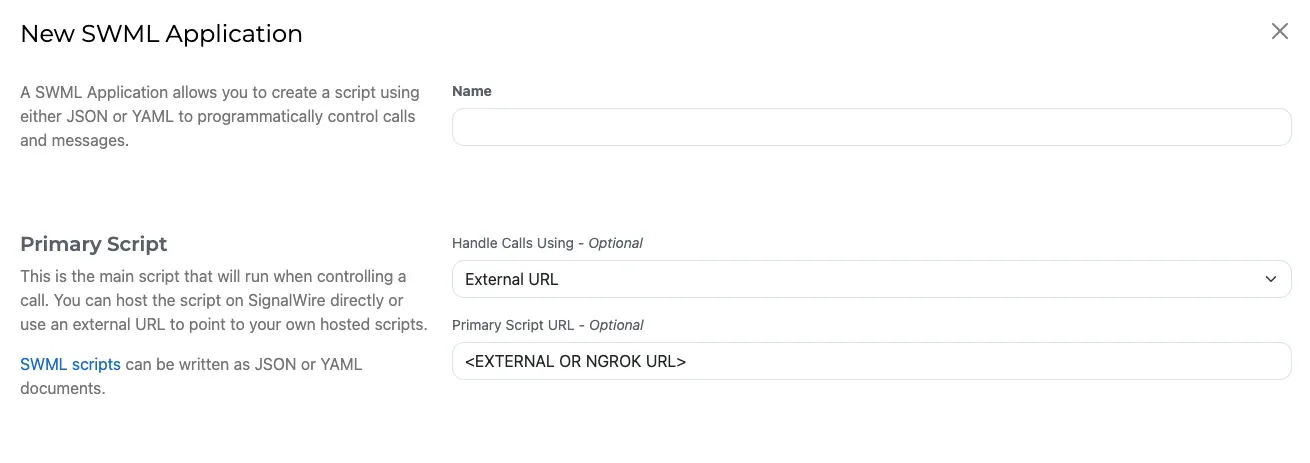
Give the script a name, set Handle Calls Using to External URL, and enter your webhook URL in the Primary Script URL field. Click Create to save the Resource.
Assign the Resource to your phone number
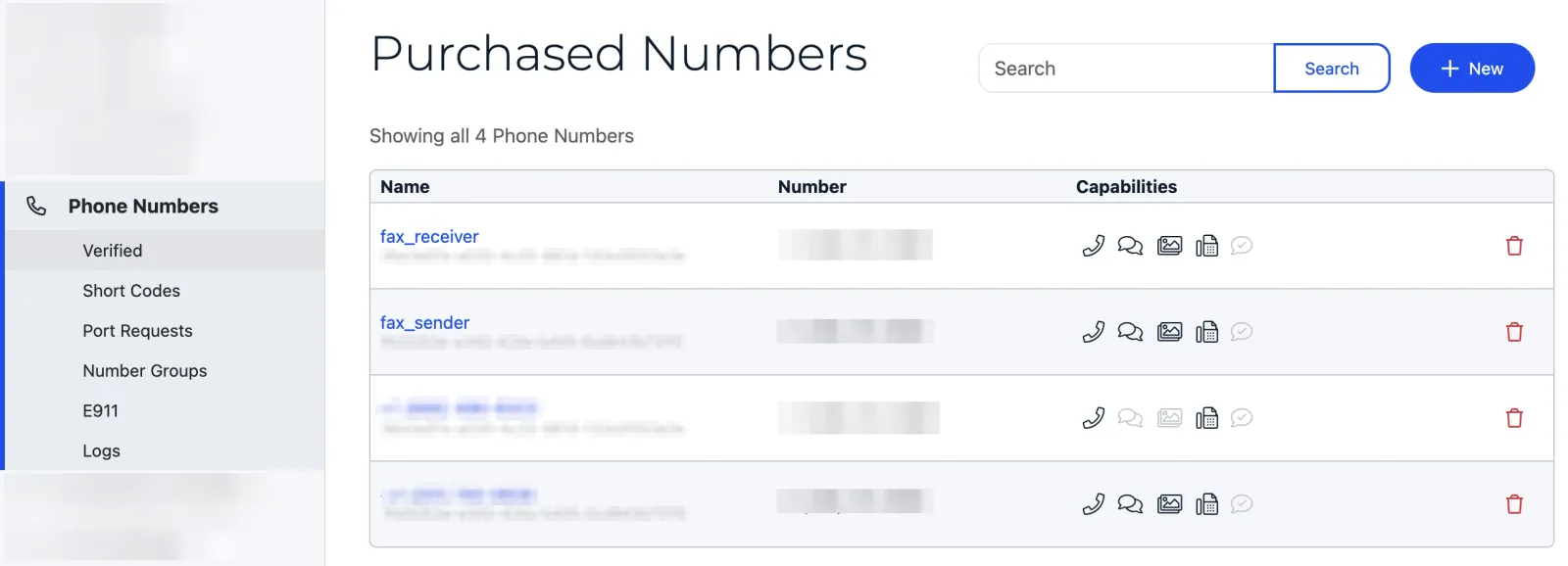
Open the Phone Numbers tab and select the number you want to configure.
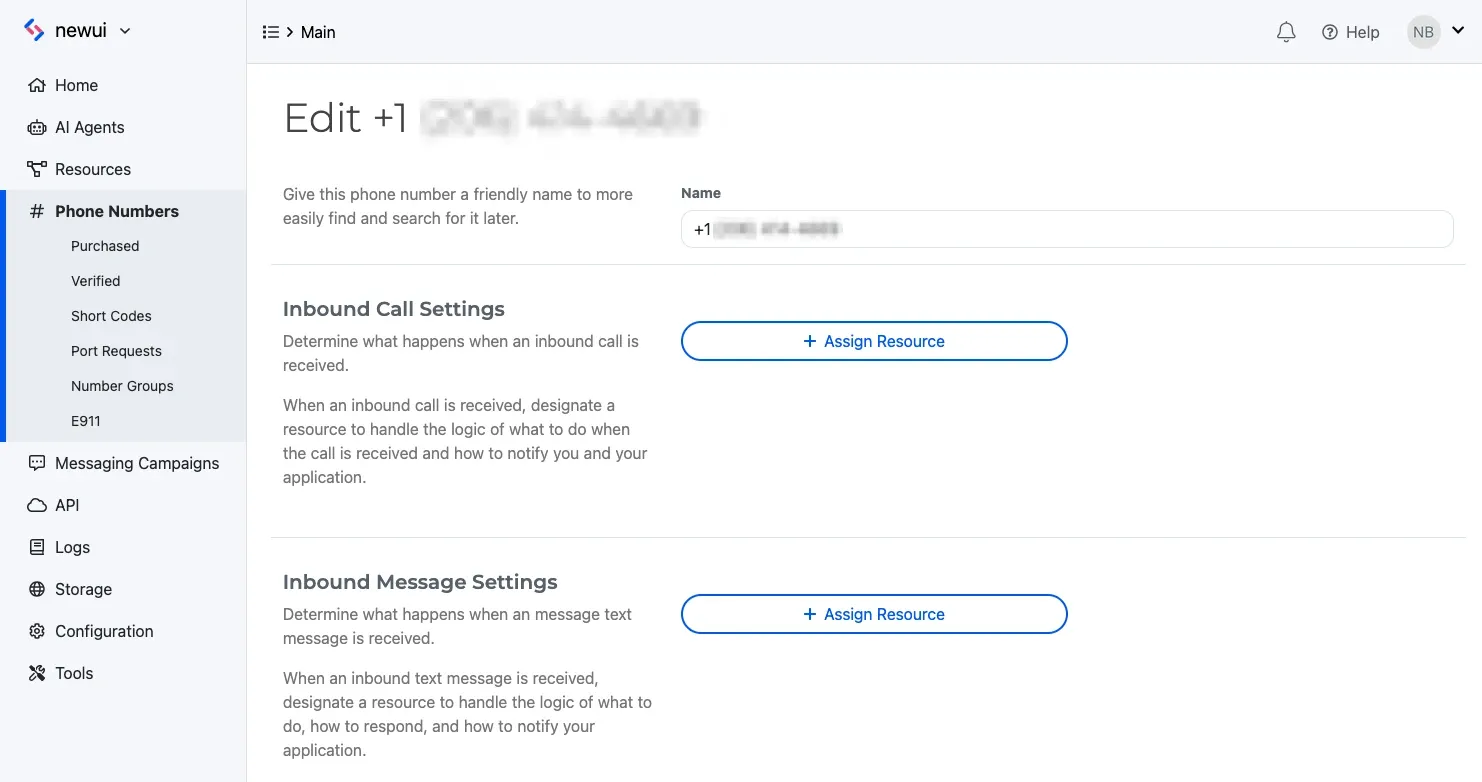
Click Edit Settings. Under Inbound Call Settings (or Inbound Message Settings for messaging), choose Assign Resource, select the Resource you created, and click Save.
Status callbacks to keep track of events
Status callbacks are asynchronous HTTP requests SignalWire sends to your server as a call, message, or recording moves through its lifecycle, keeping your application informed of each state change.
You subscribe to a status callback programmatically: when you create the call or message, provide a callback URL on the relevant SWML method, and SignalWire posts to it each time the state changes. What you set and the states you receive depend on what you’re tracking:
For voice calls, call_state_events defaults to ['ended'] — set it explicitly to also receive created, ringing, and answered.
SignalWire only marks a message Delivered once it receives a Delivery Receipt (DLR) confirming the message reached the end carrier’s network. A status of Sent means the message left SignalWire successfully. MMS messages do not support DLRs, so they only ever show Sent.
Status callbacks are advisory
Status callbacks are best-effort notifications, not a reliable realtime signal. They are delivered asynchronously over HTTP, so a callback can arrive late, arrive after a retry, or not arrive at all — if your server is unreachable when SignalWire sends the request, the callback is simply lost, and nothing notifies your application that it was missed. Because a missed callback is invisible to the receiver, never gate time-critical or business-critical actions (billing, compliance steps, call teardown, failover) solely on receiving one.
For critical paths, use a mechanism whose failure modes are visible to your application:
- RELAY over WebSocket (also for TypeScript) — events arrive over a persistent connection, so your client knows immediately when it is disconnected and can fail safe. See the RELAY events reference for Python and TypeScript.
- REST polling and reconciliation — treat a callback as a hint: confirm the state with a
GETbefore acting, and run a periodic sweep to catch missed callbacks. Use Retrieve a call and Retrieve a message on the Compatibility API, or voice logs and message logs on the SignalWire REST API. - In-call flow logic — act on results inside the call flow instead of out-of-band. SWML’s
connectsets result variables (connect_result) you can branch on, and cXML’s<Dial>actionURL receives the dial outcome as part of document execution.
Verify webhook signature
To verify webhooks that originated from SignalWire, SignalWire signs its requests with a digital HMAC security key.
You can verify that the security key matches the key documented in your Dashboard’s API Credentials with the validateRequest method.
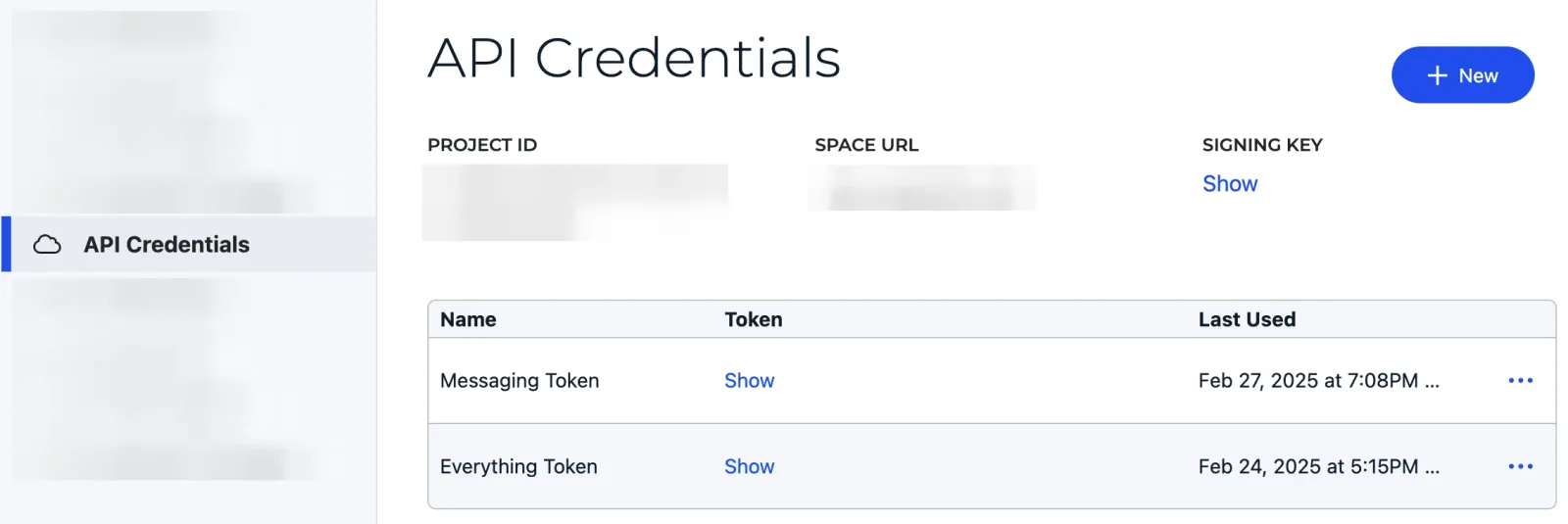
For production applications, it is extremely important to verify the webhook signature to ensure the requests are coming from SignalWire and not a malicious third party.