
Segment IDs
A Segment ID (SID) is a UUID (Universally Unique Identifier) that uniquely identifies all communication aspects on SignalWire. This includes calls, SMS, and faxes. The SID is used to log, track and identify events.
For example, each leg of a voice call keeps its own Segment ID for that leg’s lifecycle — a call that involves several legs, such as a transfer or a fan-out to multiple endpoints, produces several Segment IDs. So you can use the SID to track a specific leg in your system or database.
How to locate your SIDs
SIDs can be found in the logs section of your SignalWire Dashboard. You will see sections related to Voice, Conferencing, Messaging, and Fax.
Open the detail view of any individual log you’d like to investigate or find the SID of.
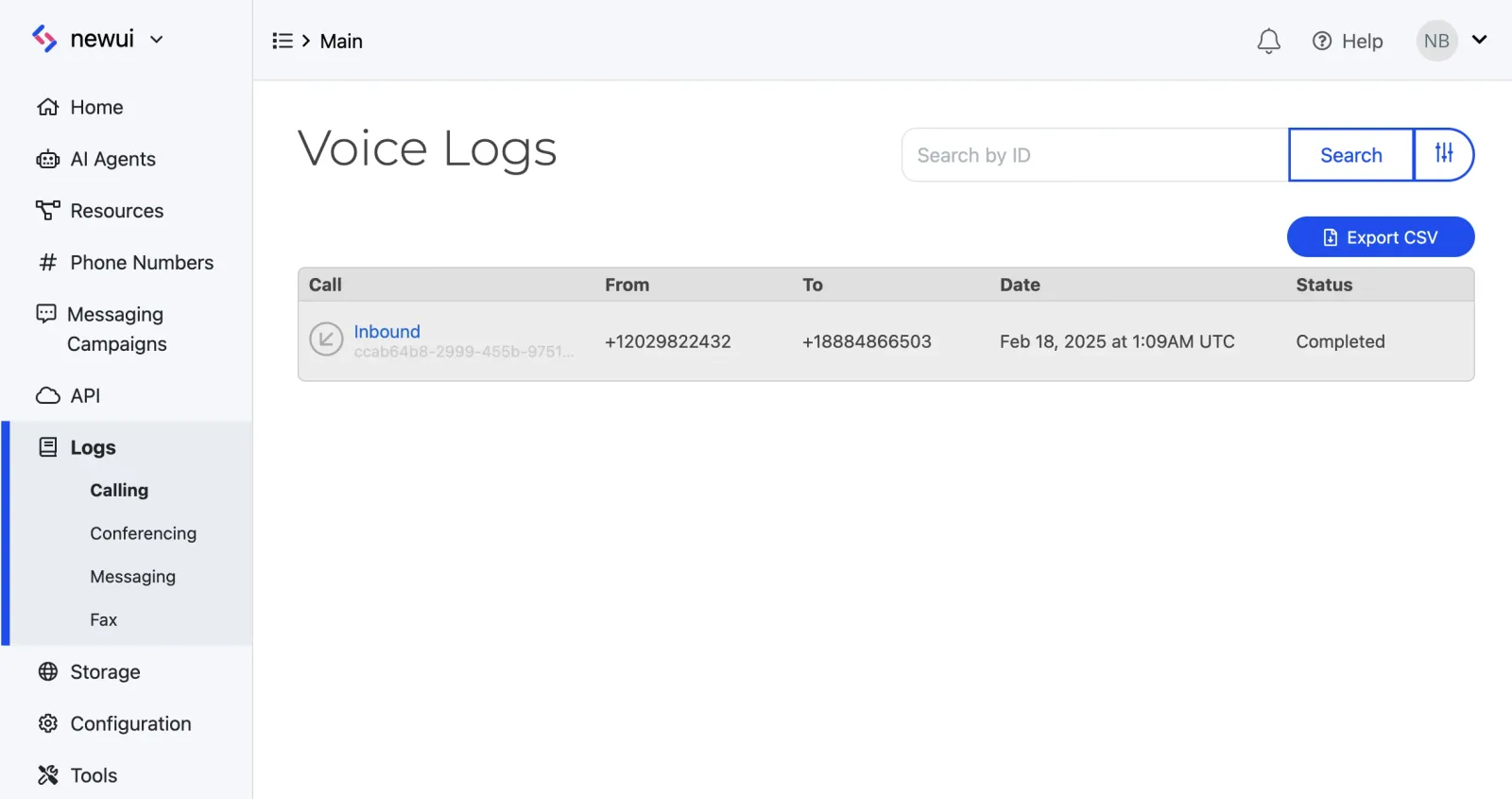
The SID will be displayed in the log under the “Voice Segment ID”, “Message Segment ID”, or “Fax Segment ID” section, depending on the type of communication.
In REST APIs related to calls, messages, and faxes, the SID is returned in the response as id.
Providing SIDs for support
When filing a ticket with SignalWire Support, always include the SID from the log where the incident occurred. For failing messages or calls, this SID allows for the support team to quickly isolate and investigate the issue.