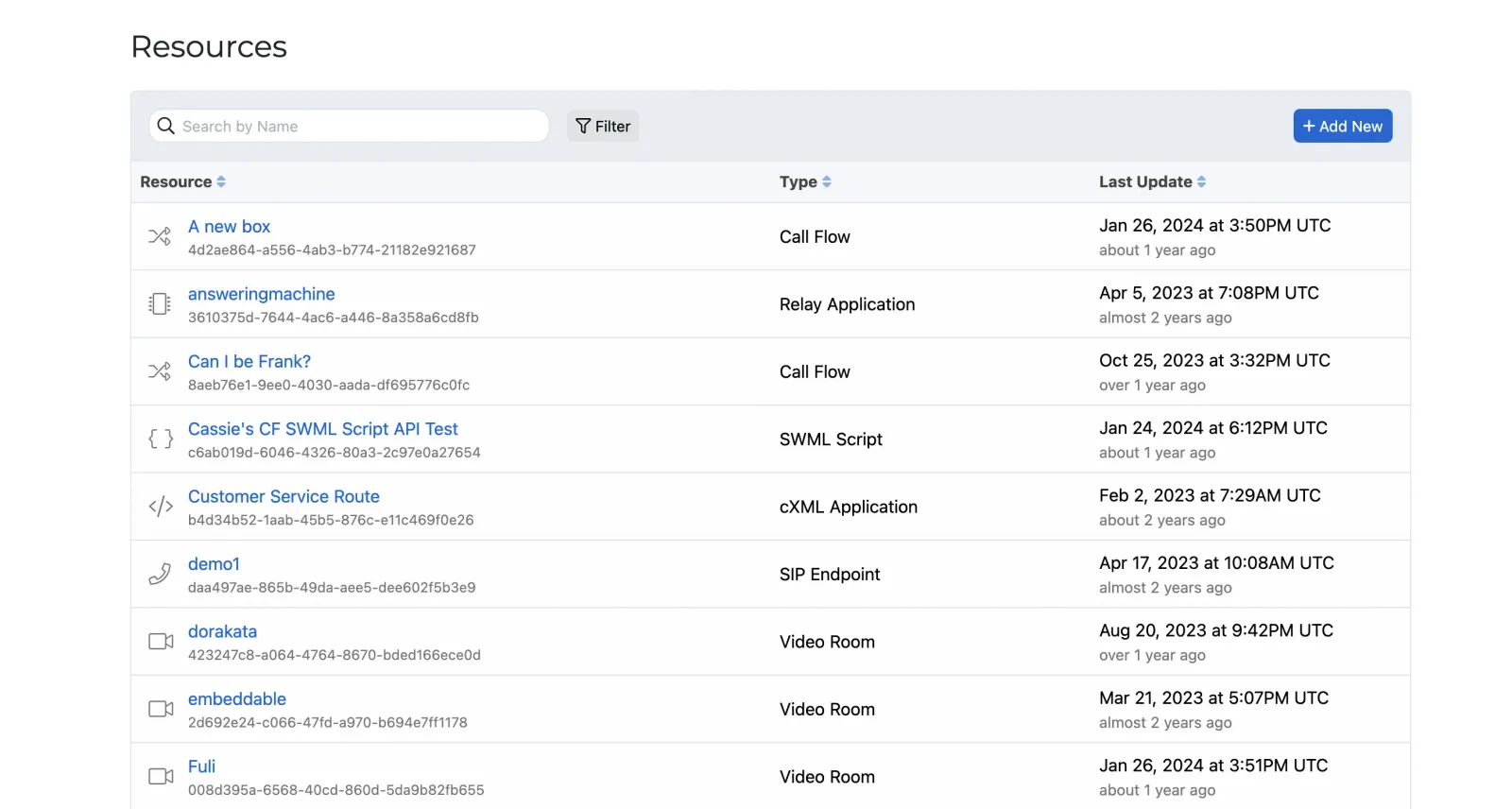
Resources
Resources are the core building blocks of the SignalWire ecosystem. They are container objects that represent your choice of communication entity. This can be anything from a SignalWire AI Agent or a SWML script, to a Subscriber that can be created, addressed and called within your SignalWire Space.
Every Resource has a Type and one or more Addresses that make it reachable, and all Resources share the same addressing and management model. No matter what Resource you need you can create, configure, and call them all in the same consistent way.
Resource types
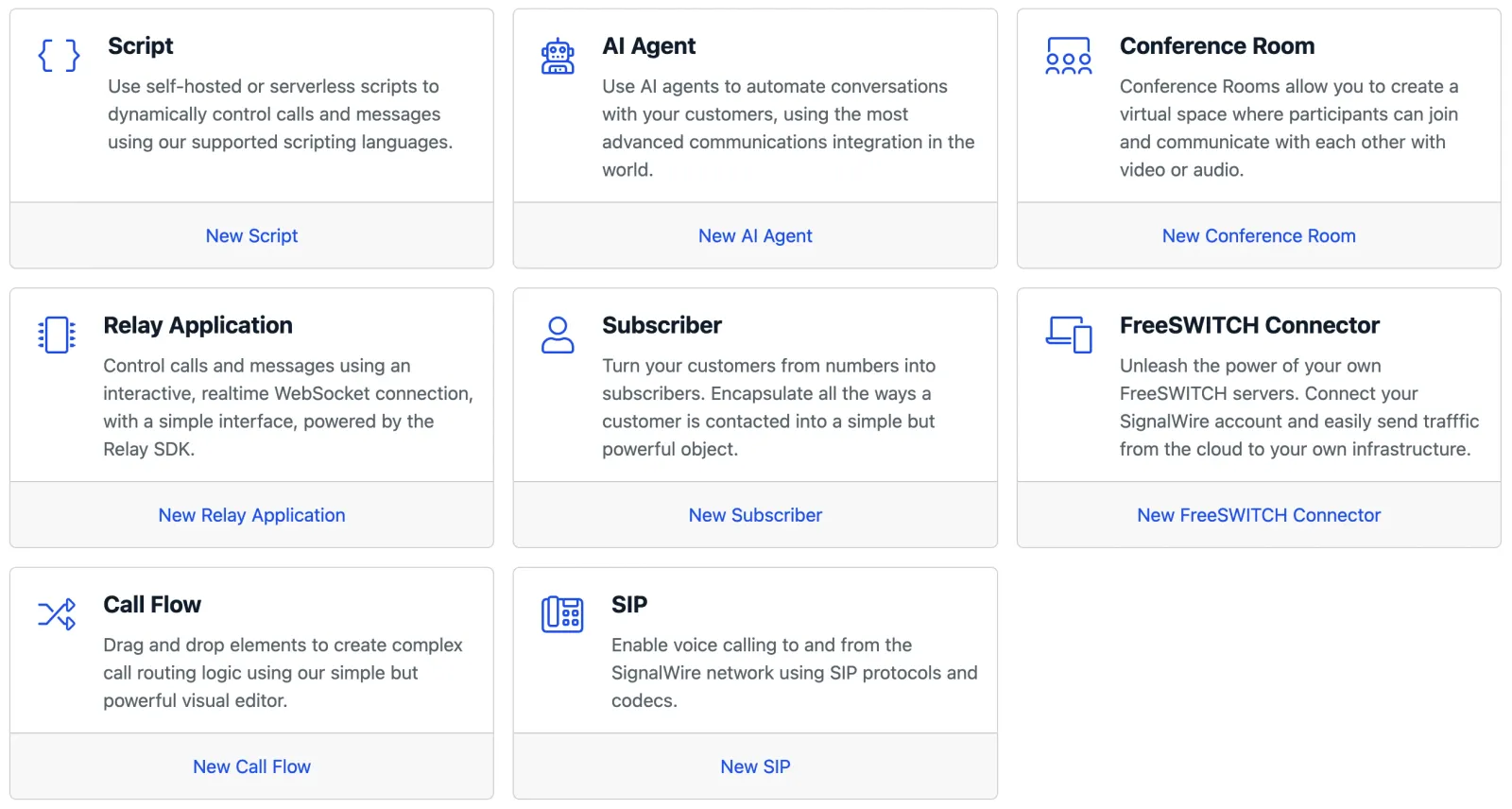
SignalWire supports several Resource types. Some of the most common are:
Each of these Resource types use the same addressing and management patterns described below.
Resource Addresses
Callers never dial a Resource directly. They dial one of its Addresses: a phone number, a SIP
Address, or an alias such as /private/john-doe, and SignalWire hands the call to the Resource.
SignalWire creates one alias from the Resource’s name when you create it, and you can add more
Addresses of any type. The Addresses guide covers each type,
contexts, and how to add and assign Addresses in the Dashboard and the REST API.
Manage Resources
With the REST API
Use the Resources endpoints to work with any Resource programmatically, regardless of type. The generic Resources endpoint lets you list all Resources, retrieve or delete a Resource by ID, and list a Resource’s Addresses.
To create or update a Resource, use the endpoint for its specific type. For example, if you wanted to create a new SWML Script you would utilize the Create SWML Script endpoint.
In the Dashboard
The SignalWire Dashboard can also be used as your unified command center for your SignalWire Resources. You can create, manage, edit, delete, and test your Space’s Resources all from your web browser.
Create
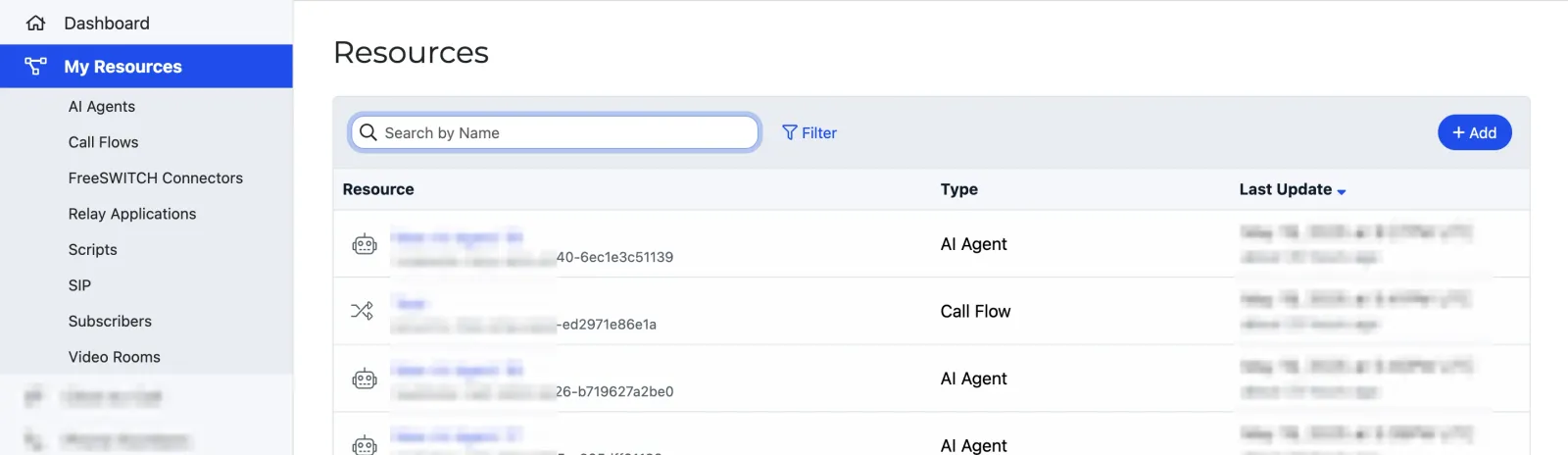
Click the Add button to select from the grid of available Resource types.
Alternatively, you can create new Resources from their subpages in the sidebar menu, or using the shortcuts on the Dashboard homepage.
After selecting a Resource, enter the details for the Resource on a new page, and select Create to confirm.
Give it an Address
A new Resource is reachable at the alias SignalWire creates from its name. To take calls from the phone network, assign it as a phone number’s call handler, or add a SIP Address or another alias from the Resource’s Addresses & Phone Numbers tab. The Addresses guide walks through each.
If you don’t see the My Resources tab, your SignalWire Space is on the Legacy Dashboard, which does not support the Resources experience. Contact Support to upgrade your Space to the new UI.
Modify or delete
From the Resources page in your SignalWire Dashboard, select the desired Resource to open a detailed view.
Here, by selecting the Edit button, you can alter the specifics of the Resource.