***
id: 433c67ea-43de-4fcb-9e83-a2a110ef2dd0
title: Resources
position: 1
description: >-
Learn about Resources on the SignalWire platform - what they are, how they
work, and how to manage them in the Dashboard.
slug: /resources
Author: Devon White
x-custom:
tags:
* 'product:signalwire\_space'
***
Resources are the primary entities for communication within the Call Fabric ecosystem.
They are the building blocks of the system, representing the various communication elements
that can be used to interact with
[subscribers](/docs/platform/subscribers).
## Manage Resources
### With the REST API
Use the Resources endpoints to manage your Resources programmatically.
Control Resources using the SignalWire REST API.
### In the Dashboard
The Dashboard is your unified command center for your SignalWire Space. Access it at `{your-space-name}.signalwire.com`.
#### Create
If you don't see the **My Resources** tab, your SignalWire Space is on the **Legacy Dashboard**.
Refer to the [Legacy](#in-the-legacy-dashboard) section of this guide for instructions for your Dashboard and information about the migration.
To create a Resource in your SignalWire Space, click on the **My Resources** tab in the left-hand navigation menu.
From there, you can select the type of Resource you would like to create by clicking on the + Add button.
{/* Shared component: Resource admonition */}
[Resources](/docs/platform/resources) are the building blocks of SignalWire applications. They include AI Agents, SWML Scripts, cXML Scripts, SIP Endpoints, and more.
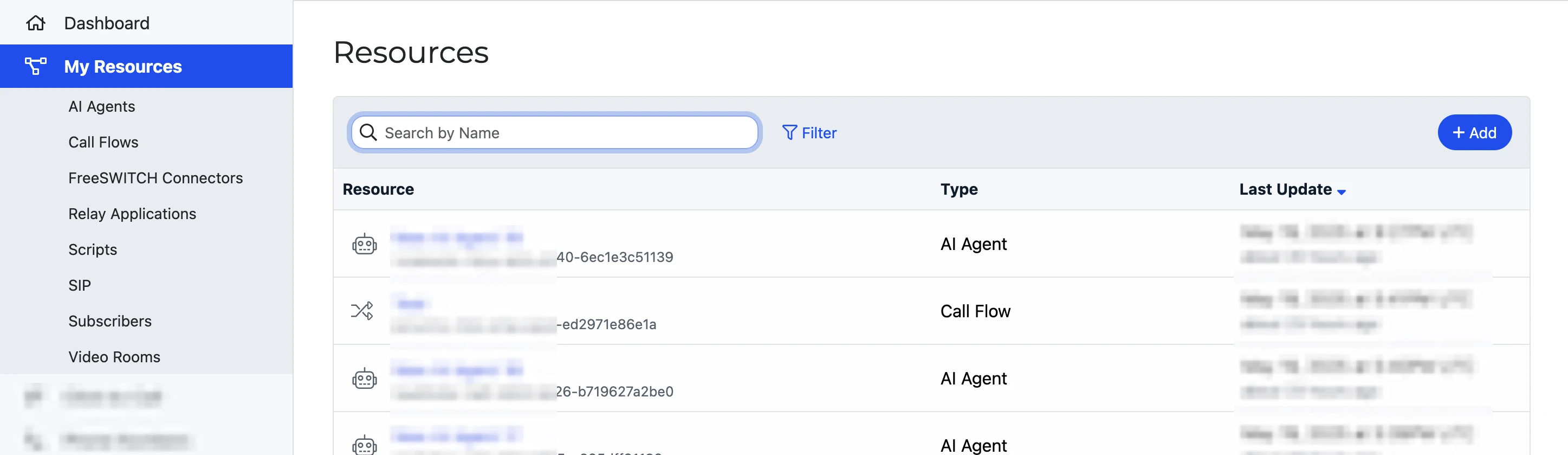
Click the **Add** button to select from the grid of available Resource types.
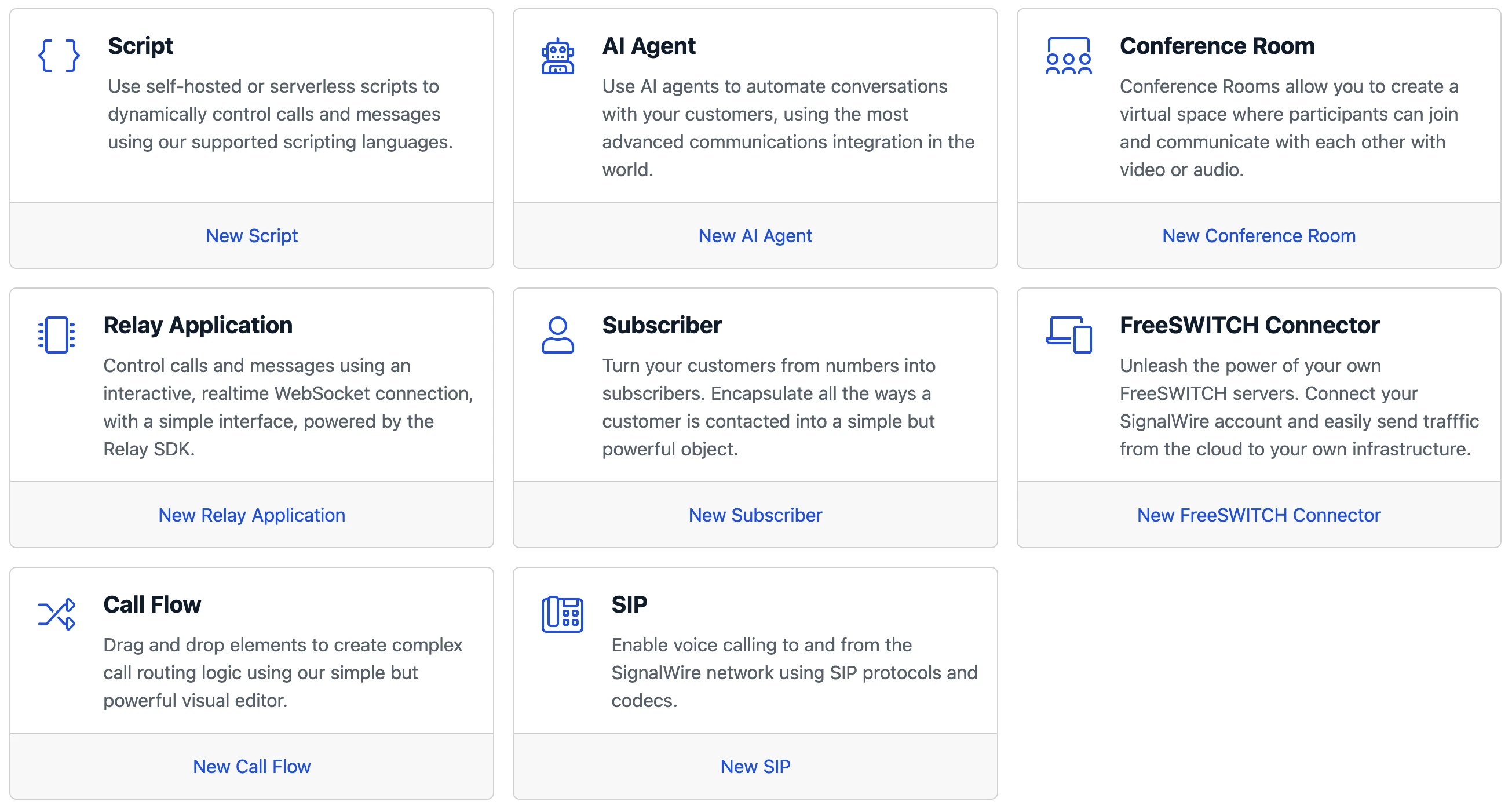
Alternatively, you can create new Resources from their subpages in the sidebar menu, or using the shortcuts on the Dashboard homepage.
After selecting a Resource,
enter the details for the Resource on a new page,
and select Create to confirm.
#### Modify or delete
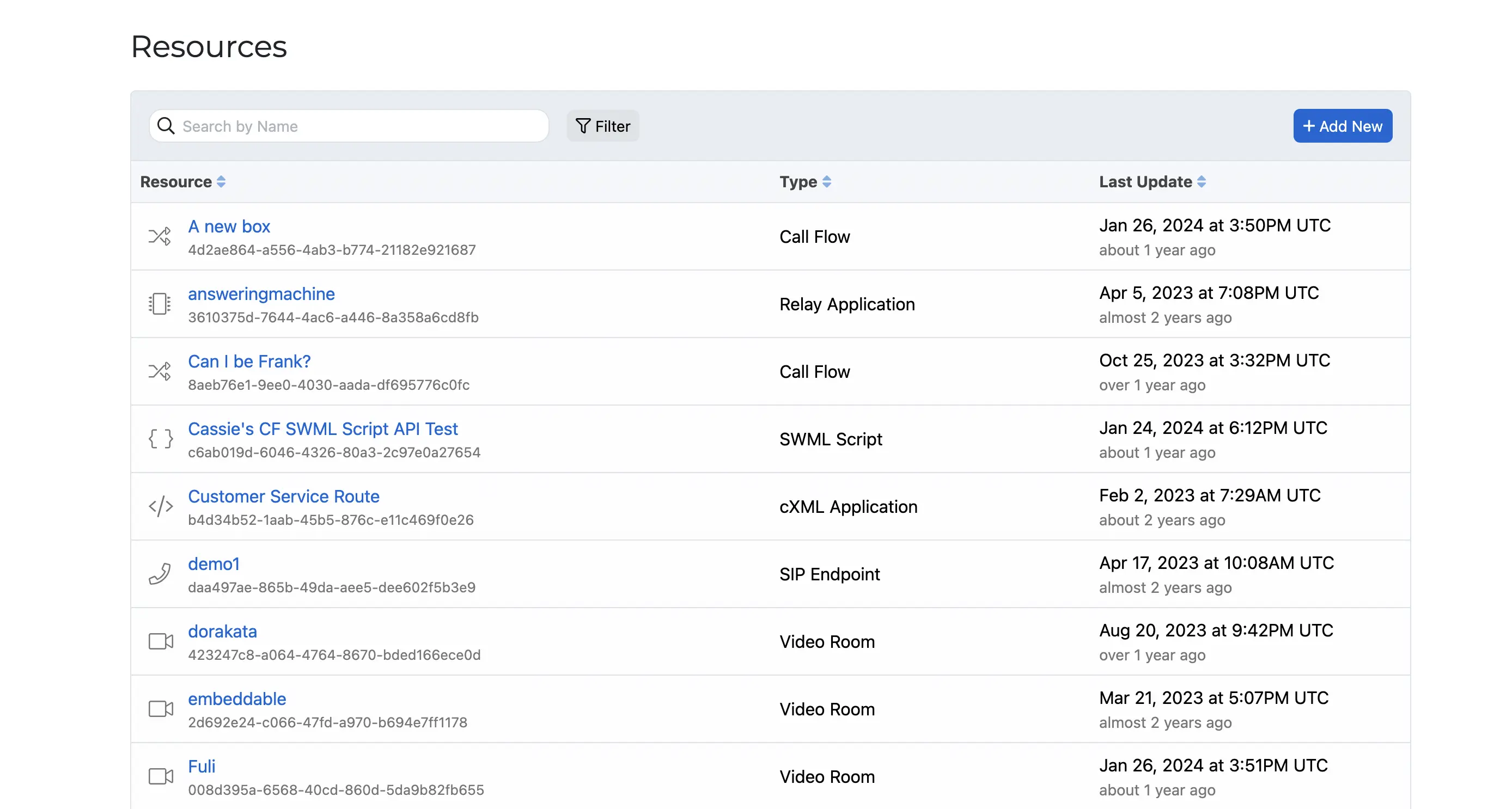
From the Resources page in your SignalWire Dashboard, select the desired Resource to open a detailed view.
Here, by selecting the `Edit` button, you can alter the specifics of the Resource.
***
## In the Legacy Dashboard
The **Resources experience** is not available in the Legacy Dashboard.
To upgrade your Space to the New UI, [contact Support](https://support.signalwire.com/).
{/* Shared component: UI Accordion for new vs legacy dashboard */}
**New Dashboard**: You have a **Resources** tab in the left sidebar.
**Legacy Dashboard**: You have separate tabs for SIP, LaML, RELAY, etc.