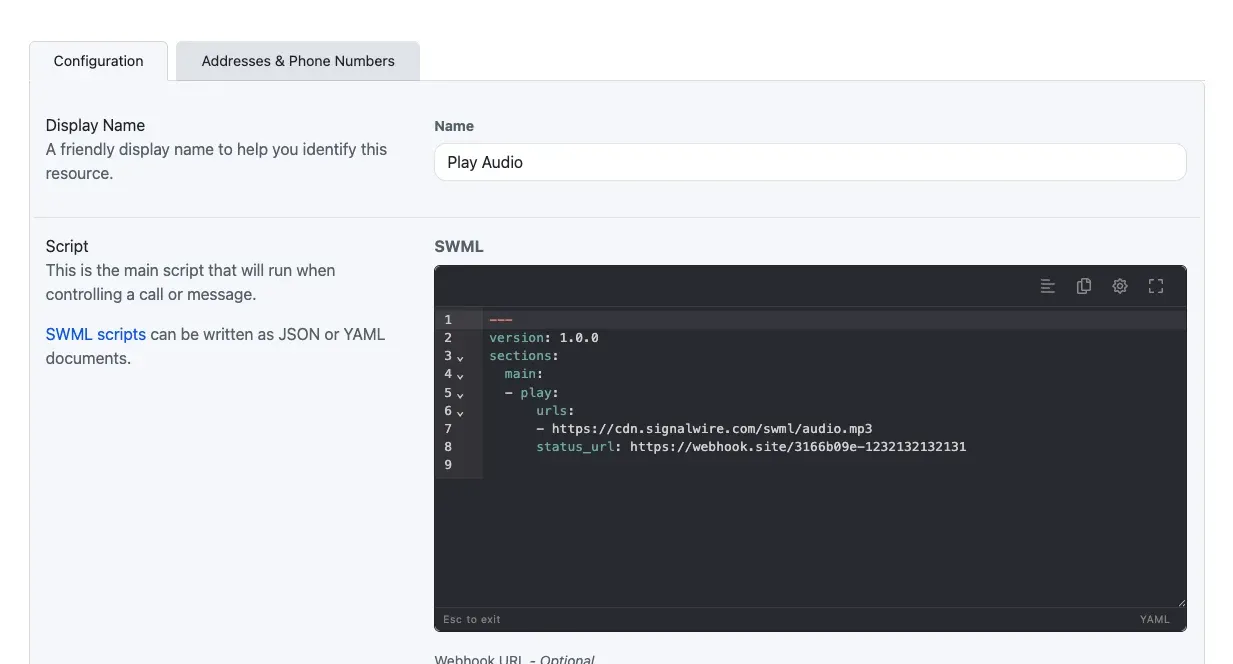
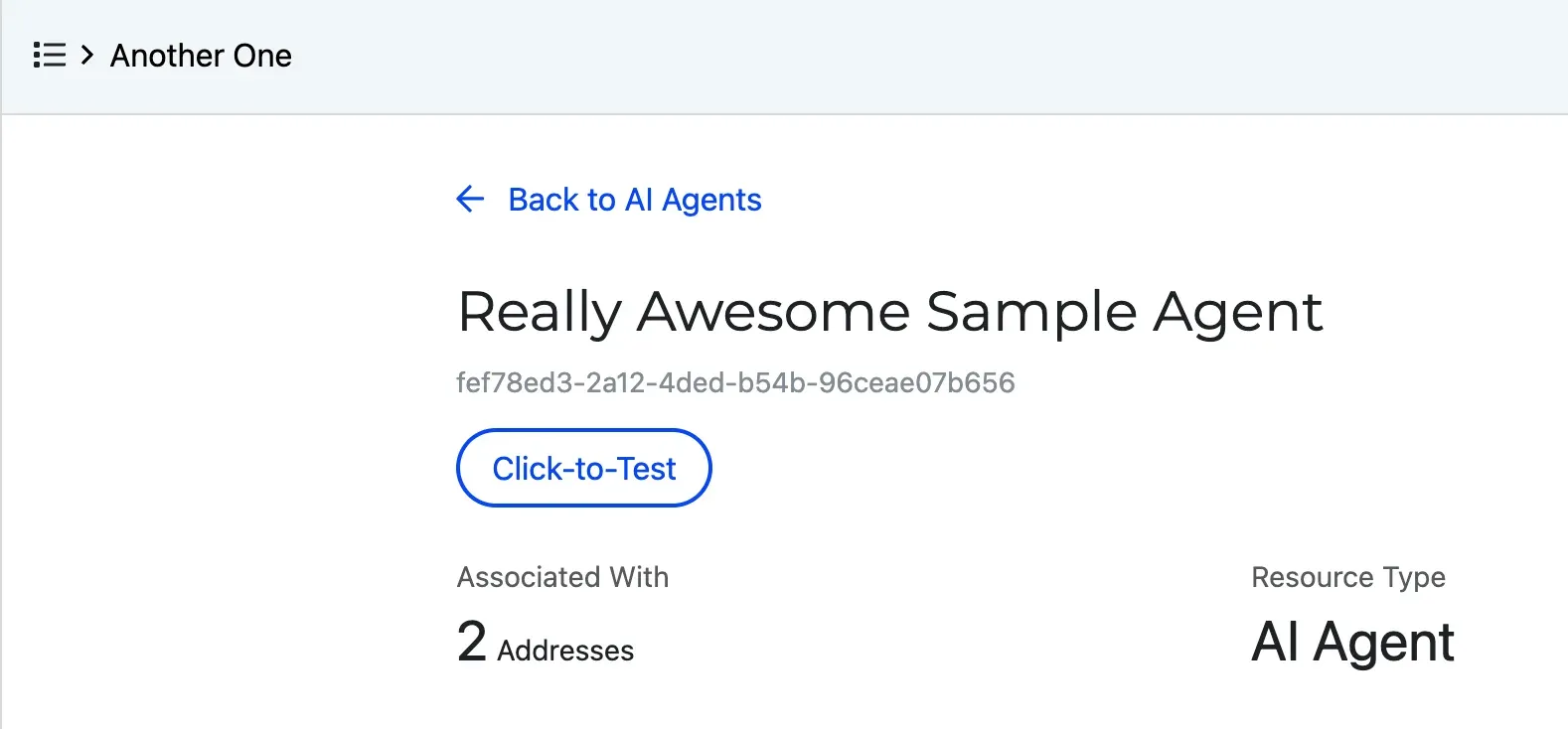
Test a resource from the Dashboard with Click-to-Test
Place a test call to a resource from your browser with the Click-to-Test button on its detail page, without assigning it a handler or using an outside phone.
Copy scripts from the code editor toolbar
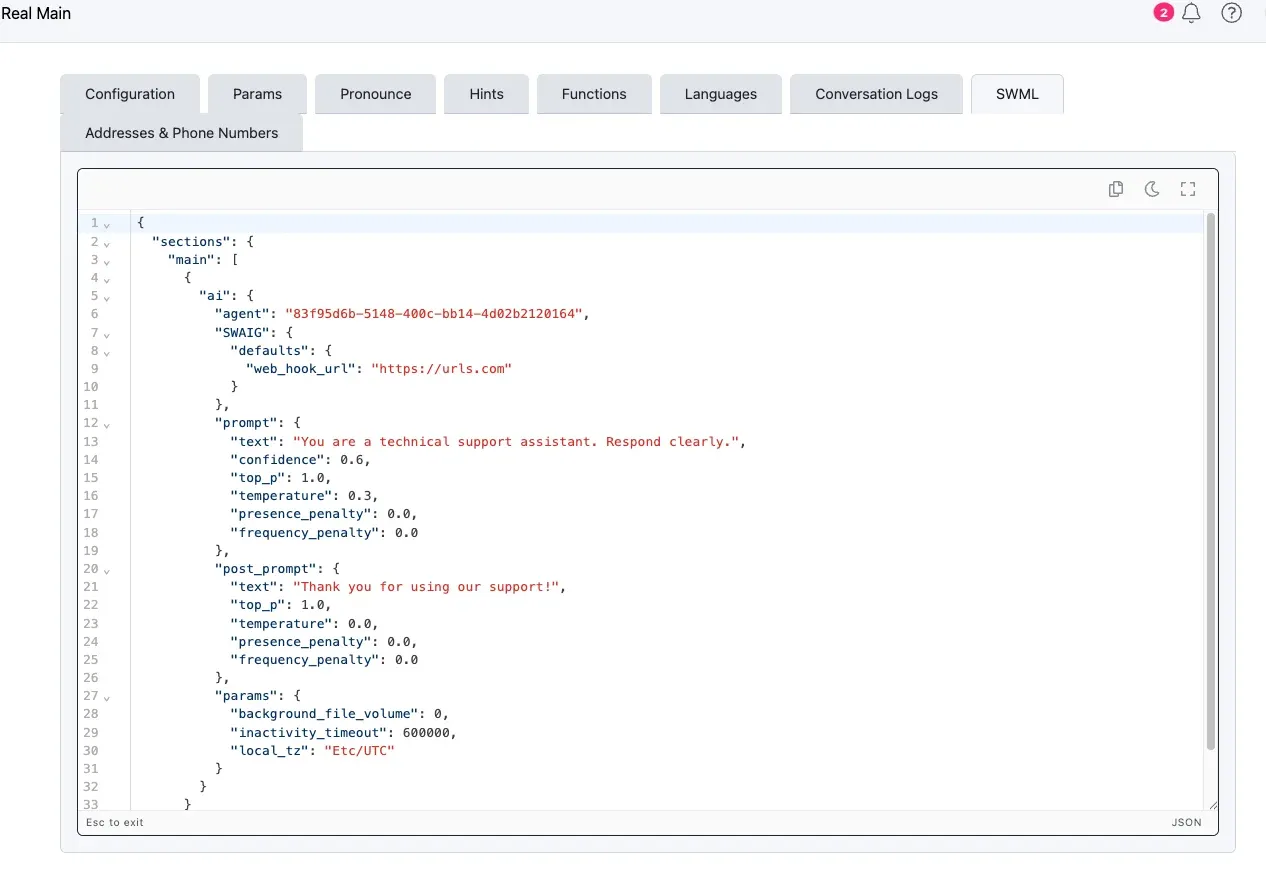
Copy a script with the copy button in the code editor’s toolbar. Read-only editors, such as an AI agent’s SWML tab, also have the copy and resize tools.