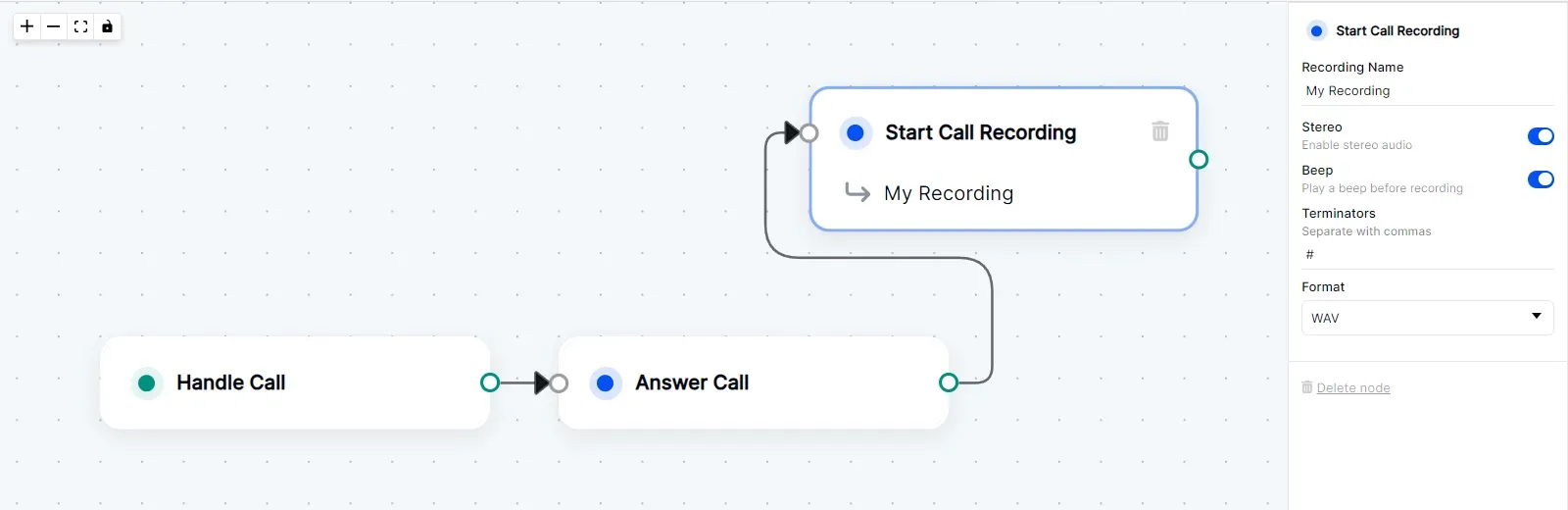
Start Call Recording
This node triggers background recording of both sides of the call. The recording will automatically stop if the call is disconnected. To manually stop the recording, use the Stop Call Recording node.
Node Settings
Recording Name
The name of the recording file. The name is user-defined.
Default Value: Recording 1
Stereo
If enabled, the recording will be in stereo. If disabled, the recording will be in mono.
Default Value: toggled off
Beep
If enabled, a beep sound will be played at the beginning of the recording.
Default Value: toggled off
Terminators
The DTMF digits that will stop the recording. The recording will stop when any of the specified digits are pressed.
Default Value: None
Format
The format of the recording file. The available formats are wav and mp3.
Default Value: wav
Example