Call Fabric is SignalWire’s programmable communications platform that unifies Communications Platform as a Service (CPaaS), Unified Communications as a Service (UCaaS), and Contact Center as a Service (CCaaS) patterns into reusable building blocks called Resources. This article explains what Resources and addresses are, how contexts control who can reach them, and how to build a practical workflow that includes an Interactive Voice Response (IVR) call flow, a SignalWire Markup Language (SWML) script that generates live transcriptions, and a Node.js call-monitoring app that writes call and transcription data to a CSV report.
Building with Call Fabric
Call Fabric represents the future of communication infrastructure, designed to simplify the process of development with tools for AI, voice, video conferencing, and messaging, all in a single programmable platform. Threading together traditional CPaaS, UCaaS, and CCaaS solutions, Call Fabric combines programmability and flexibility to create an entirely new category—Programmable Unified Communications.
Rather than forcing users into rigid systems or costly on-premises hardware, Call Fabric lets you deploy communications using resources, like AI agents, markup languages, and visual builders. Resources are the building blocks that enable users to design highly customizable systems with scalability and simplicity.
In this post, we’ll explore Call Fabric’s resources, as well as addresses—the strands that bind them. Using a few key examples, we’ll build a simple IVR with Call Flow Builder, create a SignalWire Markup Language (SWML) script with live transcription capabilities, and create a call-monitoring Node.js application that compiles incoming conversation data into a CSV report.
Call Fabric Resources
Within Call Fabric, resources represent primitives, including tools like Video Rooms, RELAY Applications, or AI Agents—just to name a few.
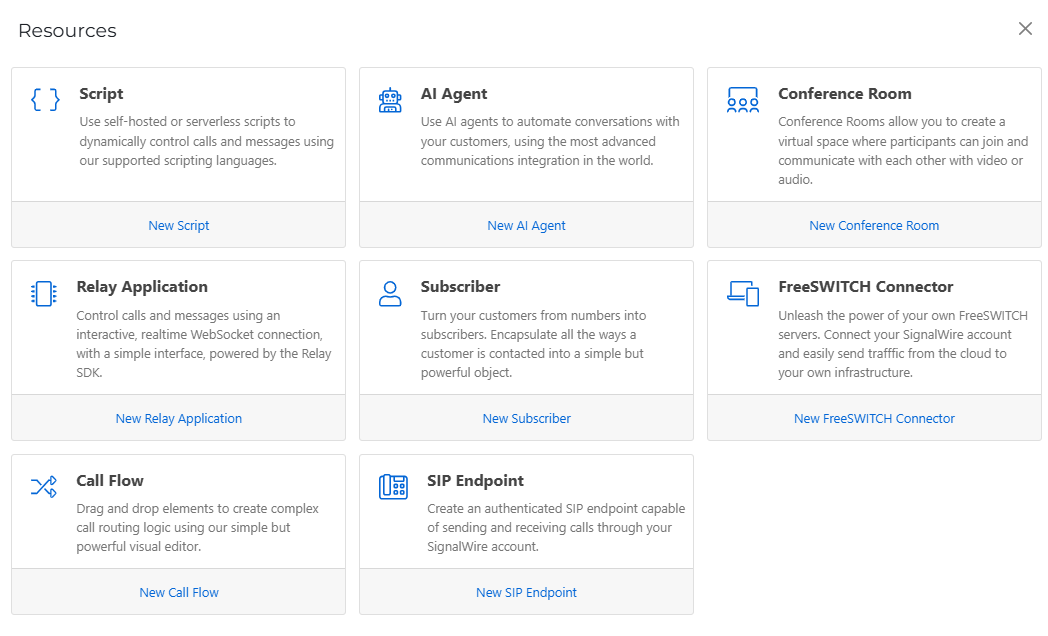
Creating Resources
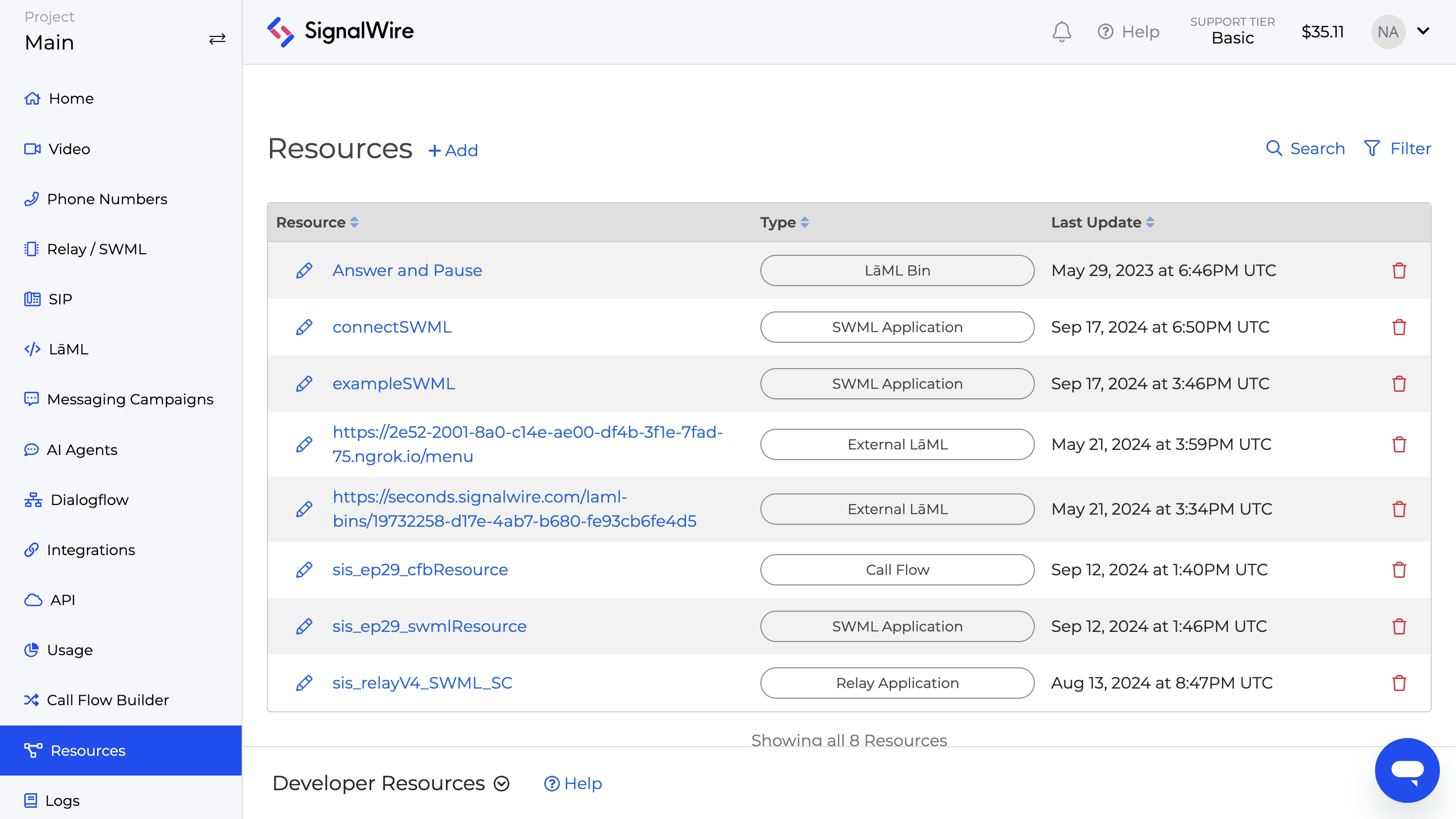
From the home screen of your SignalWire Space, navigate to the Resources tab on the left-hand sidebar. If you’ve used SignalWire before, you should be greeted with a list of pre-configured resources from assets that you’ve previously developed.
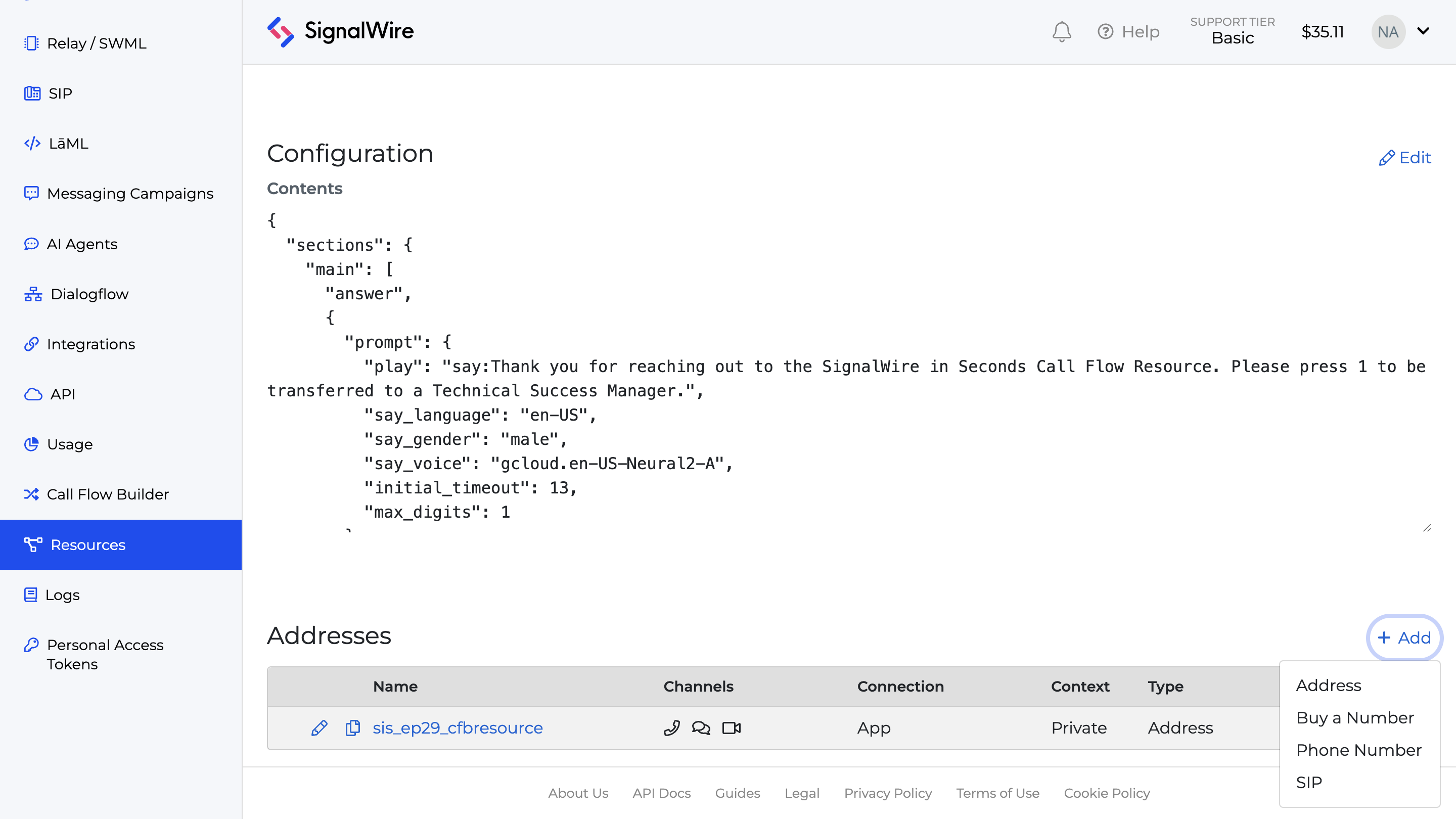
The simplest way to create a new Resource is to click on the + Add button.
Editing Resources
To edit a saved resource, click on the pencil icon beside your desired selection’s name in the overview page. Alternatively, you can use the search function to find the resource and navigate from there. When you are ready to commit your changes, click the Deploy button.
To manipulate resources programmatically, inspect the Call Fabric section of our RELAY Browser SDK, as well as our REST APIs.
Subscribers
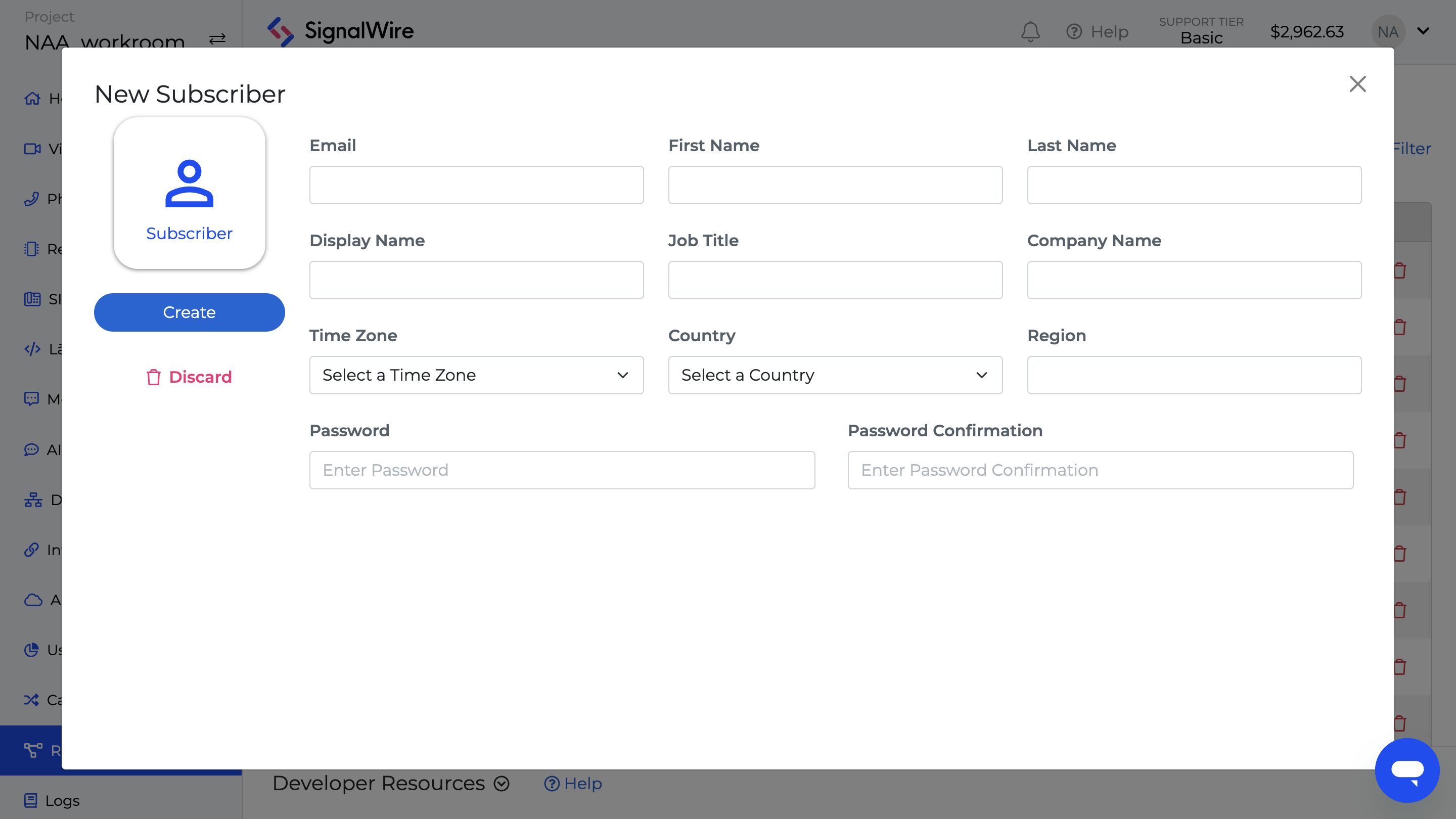
Subscribers are perhaps the most notable paradigm shift within the SignalWire platform. They represent authorized end users—such as call center agents—that can be provisioned with the means to initiate outbound calls, enter a chat room as an administrator, and more.
Keep an eye out for further information about Subscribers in the future.
Understanding addresses
Every resource comes complete with a unique identifier called an address. Addresses streamline development across Call Fabric by standardizing how different communication components interact, allowing seamless routing across different mediums. These addresses allow easy assignment and reconfiguration of resources, simplifying management as businesses grow or change.
Contexts
Addresses consist of a context and a name. Likewise, SignalWire Spaces are bound by a pair of contexts: public and private. A public context is accessible by anyone, while a private context is only reachable via Subscribers. These separate contexts help to promote the structure and security of communication workflows.
Assigning a Resource
A resource may be assigned to an address, a phone number, or a SIP domain app by navigating to the bottom of the selection’s page. Resources are malleable, allowing assignment to multiple addresses. Further on in your development, these addresses can be reconfigured or removed at will.
Resource example: call flow
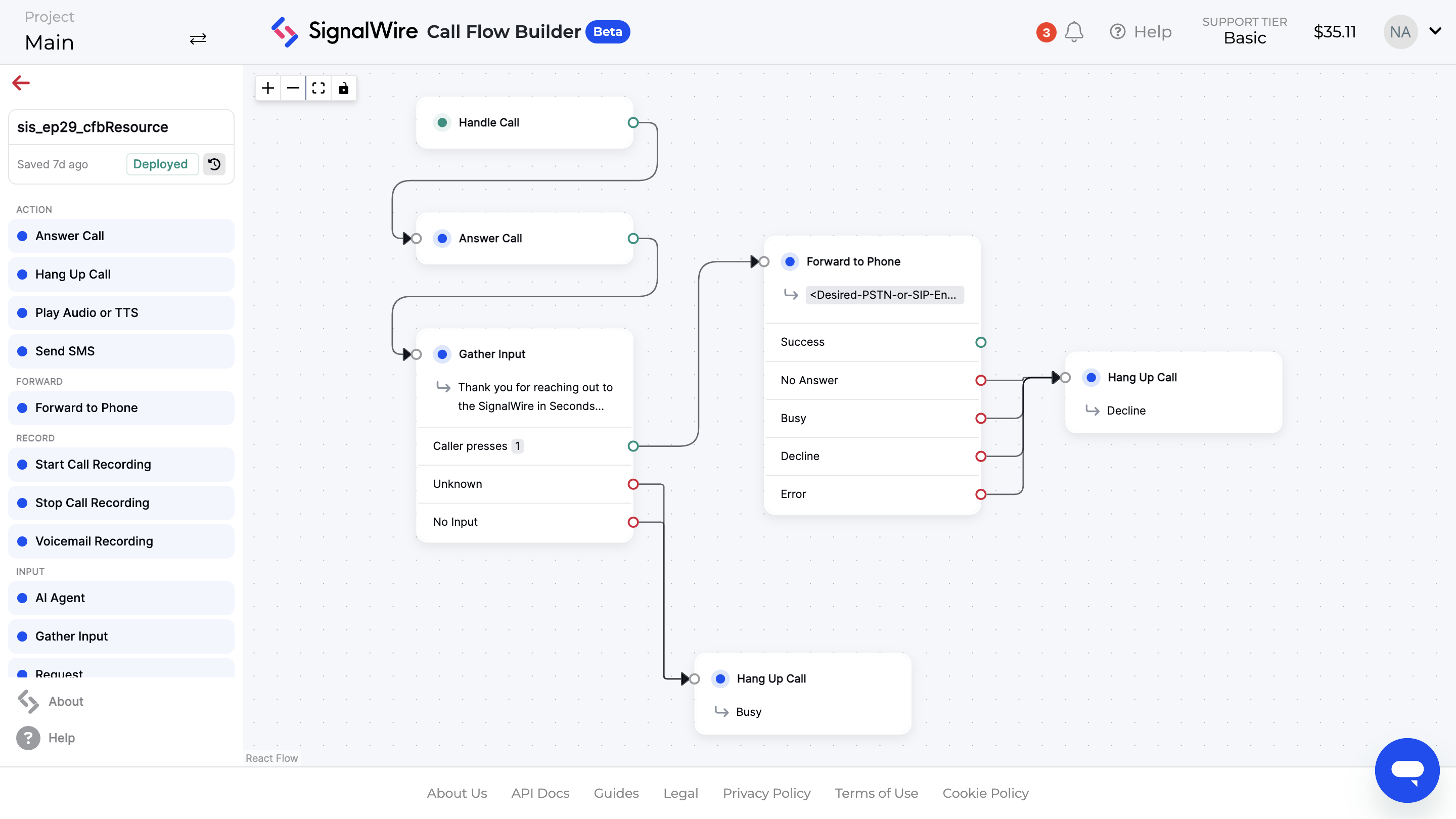
Our demonstration of Call Fabric begins with a Call Flow resource. Using Call Flow Builder, you can create IVR effortlessly with an intuitive visual UI. The Answer Call, Gather Input, Forward to Phone, and Hang Up Call nodes enable you to design a fully-functioning call flow application in just minutes. Once setup is complete, press the deploy button, and return to the resources overview page.
Resource example: SWML application
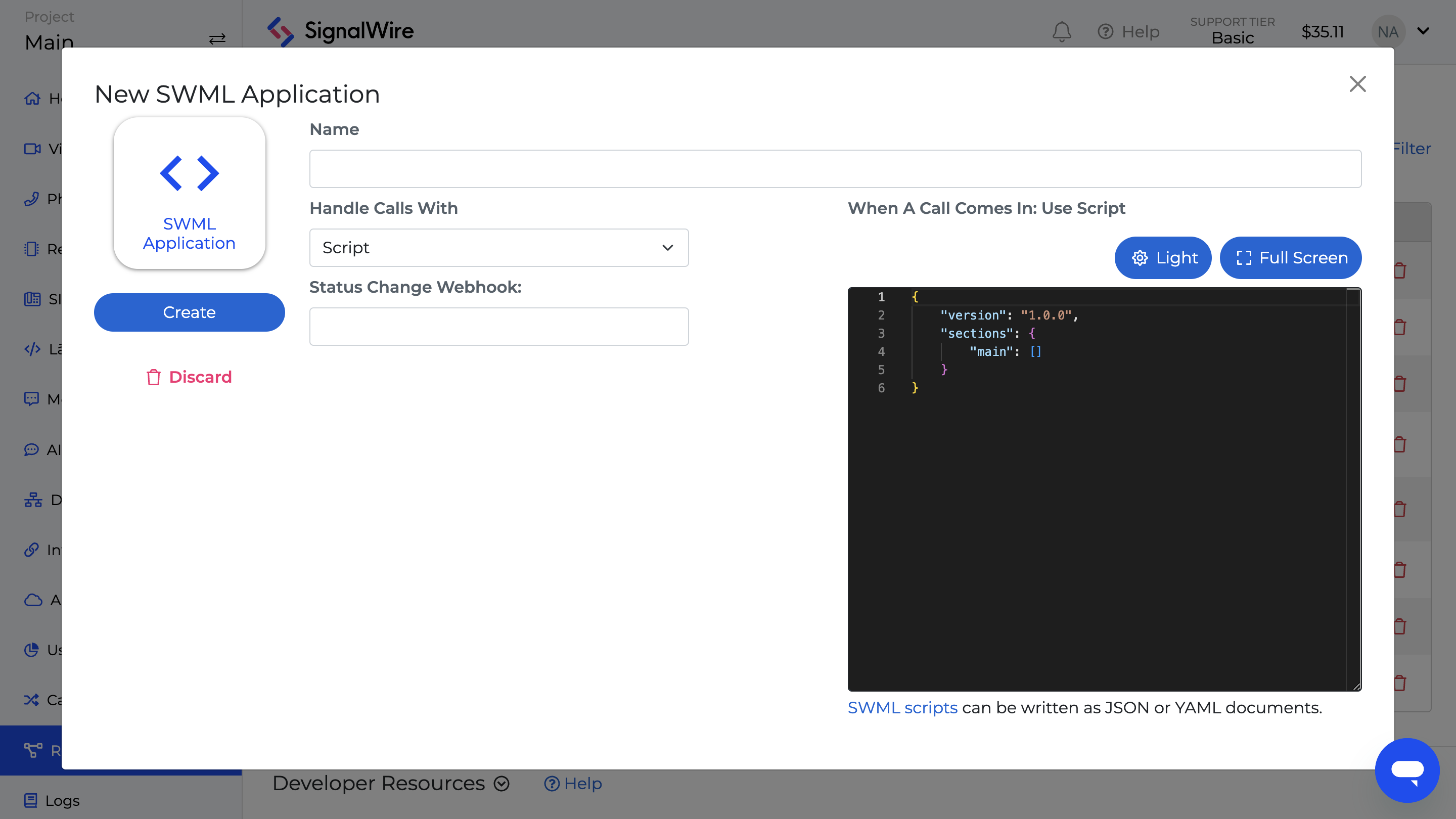
The second resource example in our demonstration is a SWML application. Coinciding with the rollout Call Fabric are a few quality of life improvements for our Space UI: a dark mode toggle for the SWML editor, and an auto-formatting feature reminiscent of popular IDEs. In addition to auto-completion of SWML’s methods and parameters, YAML and JSON script validation are also primed for a future release.
SWML method showcase: live_transcribe
The major focus of this SWML application is the newly introduced live_transcribe method. With it, your script will extract real-time transcriptions of incoming calls. Conversation logs and AI-generated summarizations can be passed along to a call-monitoring application, via webhook, for custom reporting and analysis.
Across Call Fabric, SignalWire circumvents what would have previously been a confusing patchwork of webhook URLs by allowing methods like connect to plainly reference a resource address. You can use this opportunity to reference the call flow resource you designed earlier.
Before exiting your SWML application, associate it with a Phone Number or a SIP Domain App.
Writing call data and transcriptions to a CSV Report
The final segment of this Call Fabric demonstration describes a call-monitoring application built with Node.js. For a complete code sample pulling call data, conversation logs, and AI-generated summaries into a robust CSV report, visit our SignalWire in Seconds GitHub repository.
The Express framework serves as the backbone for handling HTTP POST requests and responses, enabling smooth communication between SignalWire and the application. Body-Parser middleware is used to process URL-encoded data, converting it into a JSON format for easier handling by the application.
The callArray is used to store details of each incoming call, such as the "From" and "To" numbers. When the application closes, the onExit function ensures that none of this data is lost by saving all call details into a CSV report. This prevents any information from being discarded when the session ends.
The /incomingCalls and /transcription routes handle incoming call data, storing it in the appropriate data structures. Regular console.log updates provide real-time tracking, allowing developers to monitor the progress of each call as it happens.
To tie the threads of our Call Fabric demonstration together, try making a test call to the number or endpoint associated with your SWML Application Resource. To learn more about creating custom communication experiences with ease, have a look at our developer guides, and bring your questions to our community on Discord.
Frequently asked questions
What is a Resource in Call Fabric?
A Resource is a programmable building block in Call Fabric, such as Call Flow Builder flows, SWML scripts, RELAY applications, video rooms, or AI agents. Resources are designed to be created, edited, deployed, and then assigned to addresses, phone numbers, or SIP domain apps.
What is an address in Call Fabric?
An address is the unique identifier used to reach a Resource. Addresses standardize routing so different communications components can be connected and reassigned without rebuilding the system.
What is the difference between public and private contexts?
Call Fabric uses contexts to define reachability. A public context can be accessed broadly, while a private context is restricted, including access patterns that require Subscribers.
How do you capture real-time call transcription with SWML?
SWML includes a live_transcribe method that extracts real-time transcription from incoming calls. Those transcription events can be forwarded to another system, such as a webhook-driven monitoring app, for reporting or analysis.
How do you log call data and transcriptions to a CSV report?
A call-monitoring app can accept webhook requests for call events and transcription updates, store them in memory during the session, then write the aggregated call details, conversation logs, and any AI-generated summaries to a CSV file on exit.