***
id: cc637856-c001-49e7-9763-766398f66d8c
title: SIP domain applications
slug: /voice/sip/domain-applications
x-custom:
author: rsowald
tags:
* 'product:voice'
* 'product:video'
* getting-started
description: >-
Learn about SIP Domain Applications on the SignalWire platform - send SIP
traffic to a custom domain and run specified logic.
***
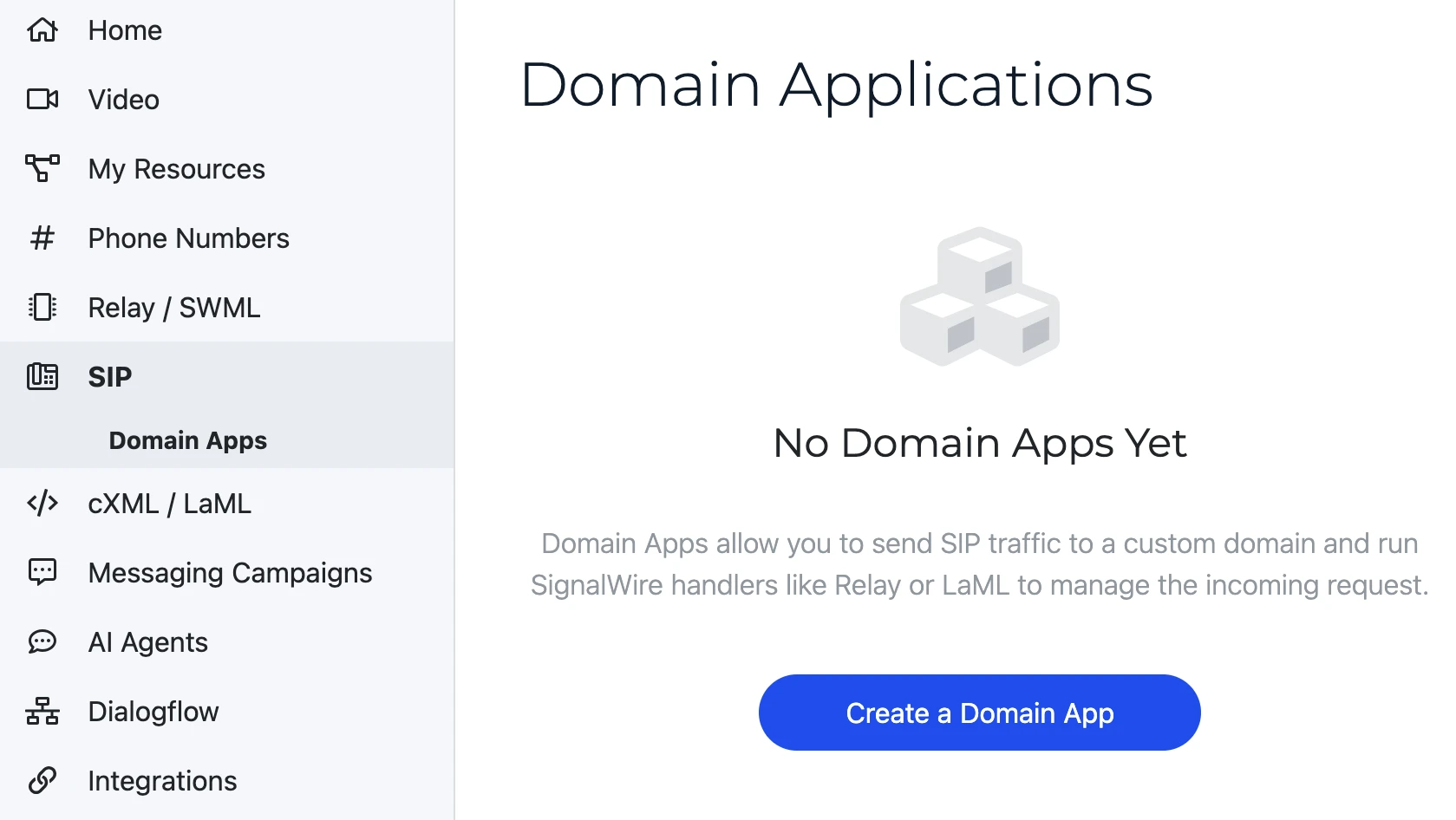
A Domain Application is a SignalWire feature that allows you to send SIP traffic to a custom domain and run specified logic. To define that logic, you can set up a handler in the SIP Space of your [SignalWire Dashboard](https://signalwire.com/signin).
## RELAY Application
If you are handling incoming SIP traffic with a **RELAY Application**, you are defining
your logic in a separate RELAY application on your own server. RELAY applications run
different logic based on the topic (V4) or context (V3) attached to incoming calls, so you will need to choose
a topic/context to label your incoming SIP traffic. The following example shows a RELAY client
listening for the "office" topic/context then runs the logic inside the event listener callback.
```js
import { SignalWire } from "@signalwire/realtime-api";
const client = await SignalWire({
project: "your-project-id",
token: "your-api-token",
// This topic must match the topic you set in your Domain App handler.
topics: ["office"],
});
const voiceClient = client.voice;
await voiceClient.listen({
topics: ["office"],
onCallReceived: async (call) => {
console.log("Call received:", call.id, call.from, call.to);
try {
await call.answer();
console.log("Inbound call answered");
await call.playTTS({ text: "Welcome to SignalWire!" });
} catch (error) {
console.error("Error answering inbound call", error);
}
},
});
```
```js
import { Voice } from "@signalwire/realtime-api";
const client = new Voice.Client({
project: "your-project-id",
token: "your-api-token",
// This context must match the context you set in your Domain App handler.
contexts: ["office"],
});
client.on("call.received", async (call) => {
console.log("Call received:", call.id, call.from, call.to);
try {
await call.answer();
console.log("Inbound call answered");
const playback = await call.playTTS({ text: "Welcome to SignalWire!" });
await playback.ended();
} catch (error) {
console.error("Error answering inbound call", error);
}
});
```
Find the many options for what you can do with RELAY in our [RELAY Realtime SDK reference](/docs/server-sdk/node).
## Video Room
You can immediately connect inbound SIP calls to a video room. To use the **Video Room handler**, search for the video room name in the settings dropdown and select the video room you would like to use. Inbound calls will be automatically directed to this video room.
For a full guide to creating and configuring new Domain Applications, visit our [SIP Space help page](/docs/platform/your-signalwire-api-space).