***
id: 474b07f5-8186-4857-b14d-ea41f501be5e
title: Versioning
slug: /guides/version
max-toc-depth: 3
----------------
## Introduction
Call Flow Builder offers built-in versioning.
This feature empowers users to test different configurations of a Call Flow without affecting the live version,
and to revert to a previous version if needed.
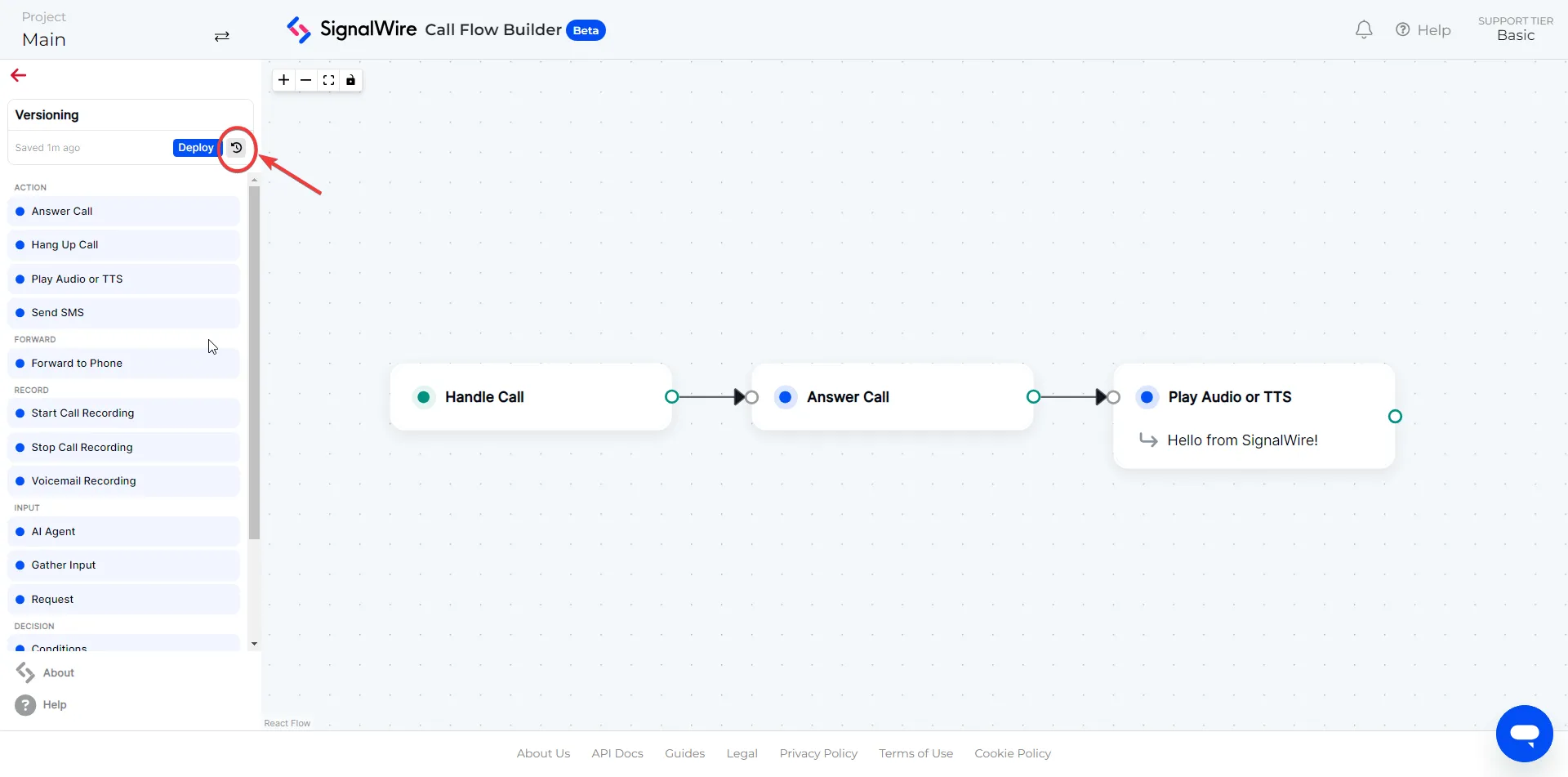
Once a Call Flow has been created, you can click on the `Version History` button located in the top left corner of the Call Flow Builder interface.
This will open a panel showing all the versions of the call flow, along with a timestamp of when the version was created.
***
## Deploy a new version
If you wish to make edits to a call flow, you can create a new version making any changes you need.
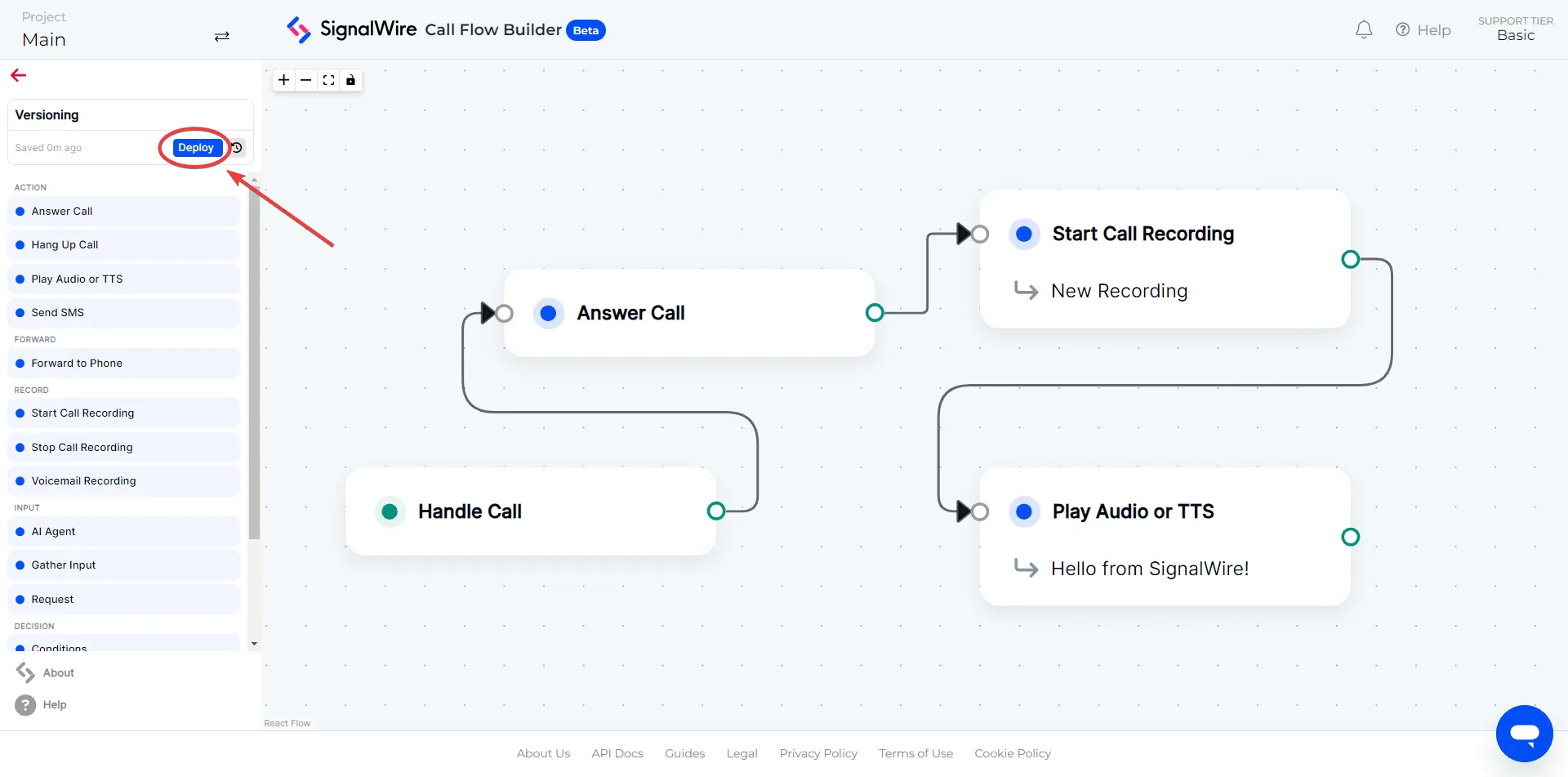
Once you are satisfied with the new version, you can click the `Deploy` button to make the new version the live version of the call flow.
When a new version is saved, it will add a new entry to the version history. The name of the
version will be `+1` from the previous version. E.g. `Version 1.0`, `Version 2.0`, `Version 3.0`, etc.
***
## Revert changes
If you need to revert to a previous version of a call flow,
open the version history panel by clicking the `Version History` button.
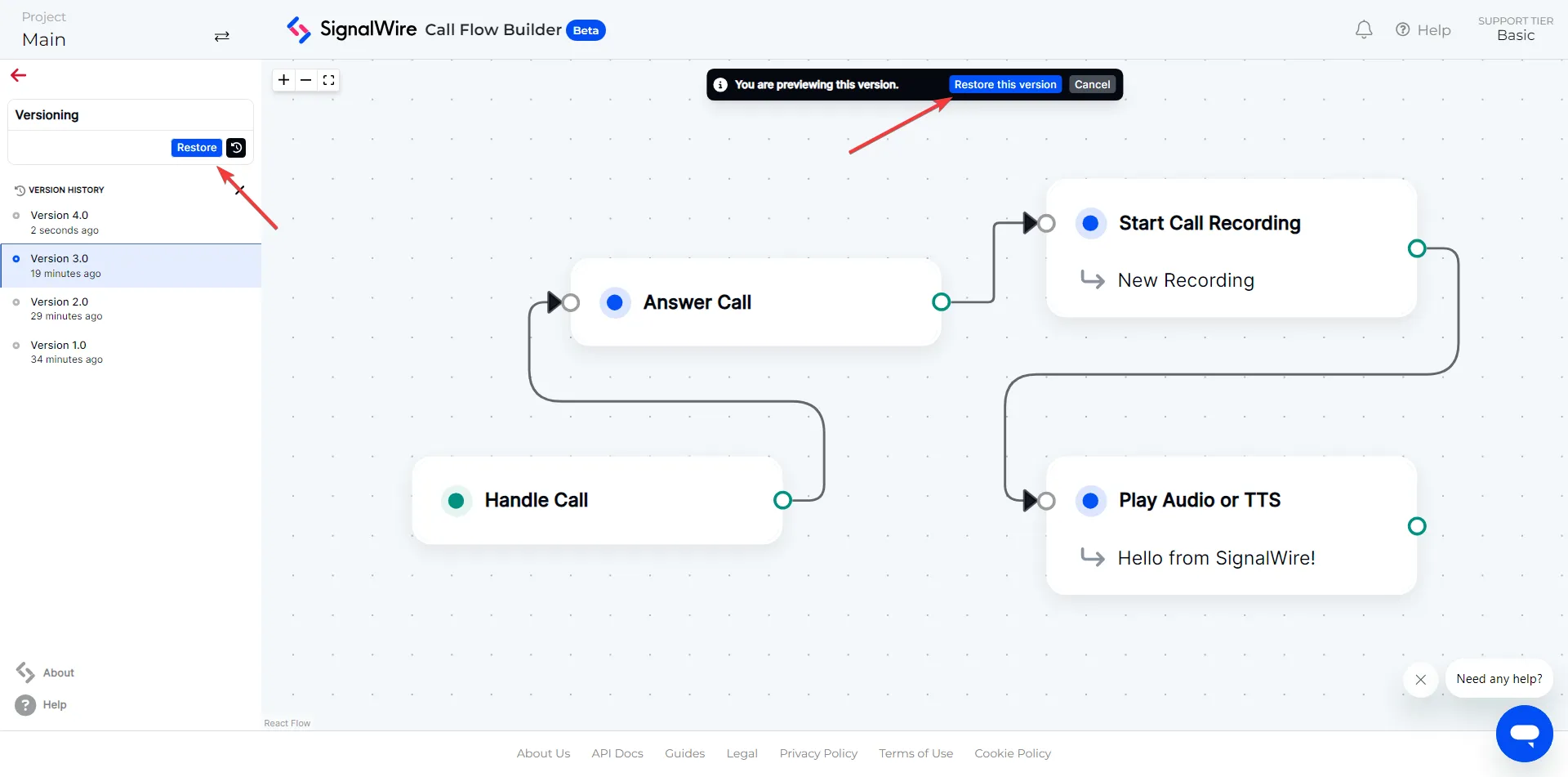
Select the version to which you wish to revert.
Click the `Restore` button to confirm.