***
id: e2395aaf-51bc-4c9a-8ed4-0efe7163c968
title: Call Flow Builder
subtitle: A visual tool for creating and managing call flows
description: >-
Learn about the Call Flow Builder, a visual tool for creating and managing
call flows.
sidebar-title: Overview
position: 0
slug: /
max-toc-depth: 3
----------------
## Introduction
Call Flow Builder is a no-code visual tool for creating and managing voice applications directly in the Dashboard.
It features a simple drag-and-drop interface for creating complex call flows with multiple branches and decision points.
All elements of the call flow are represented as nodes in a tree structure.
You can easily add, remove, and rearrange elements in the call flow using the visual interface.
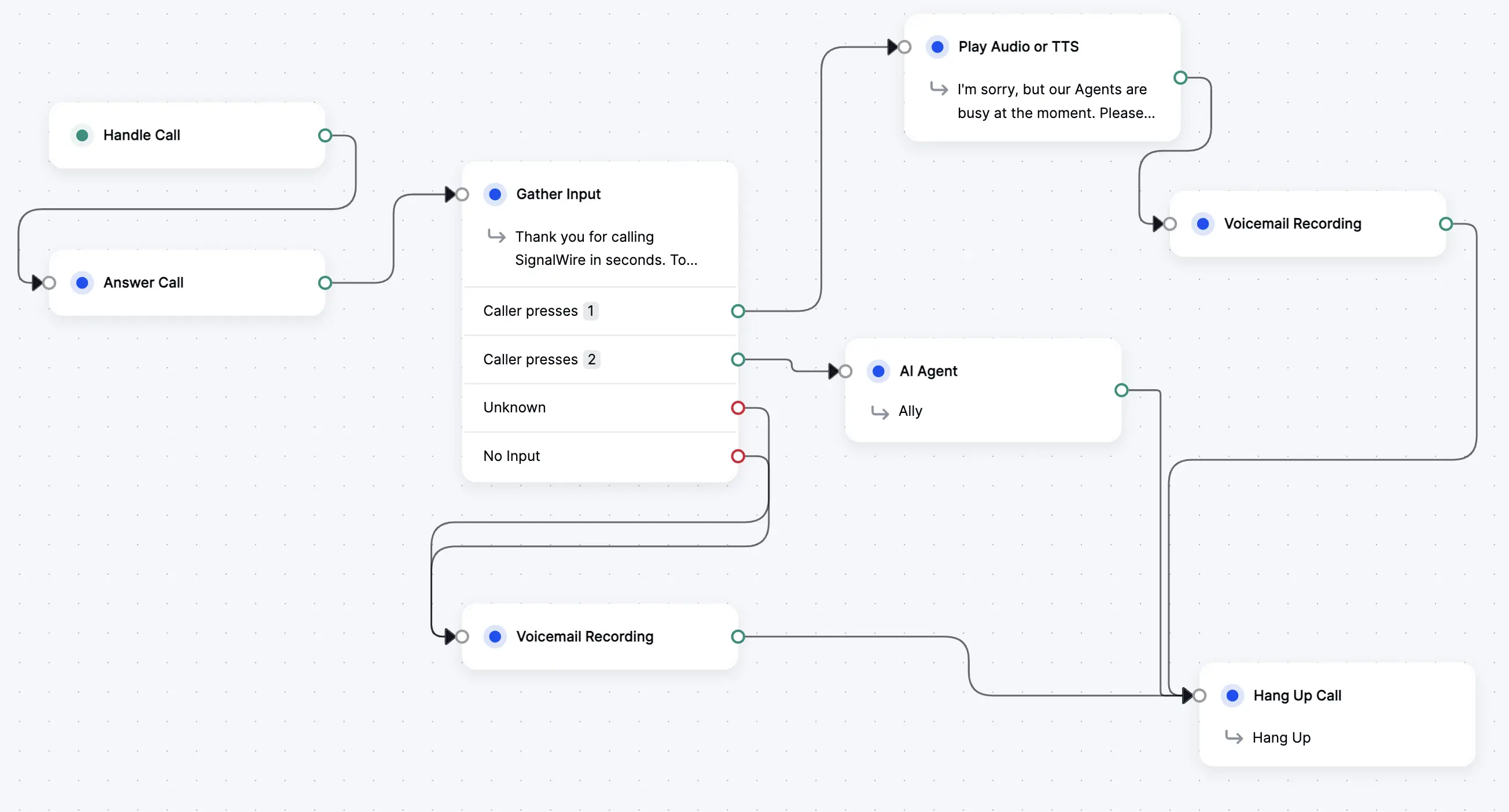
Add or remove any element from the call flow by dragging it into the desired location,
and define links between them using the connection lines.
Extend each flow by integrating external APIs, or by using SignalWire Markup Language (SWML).
Call Flow Builder also offers built-in versioning to streamline testing multiple configurations.
Under the hood, Call Flow Builder generates valid
[SWML (SignalWire Markup Language)](/docs/swml),
meaning all the power of SWML is available whenever you need more control over your call flows.
***
## Get started
To get started with Call Flow Builder, open the **Tools** tab in the left menu of your SignalWire Dashboard.
Check out this brief demo to see how to add, configure, and connect nodes in Call Flow Builder.
### Creating a New Call Flow
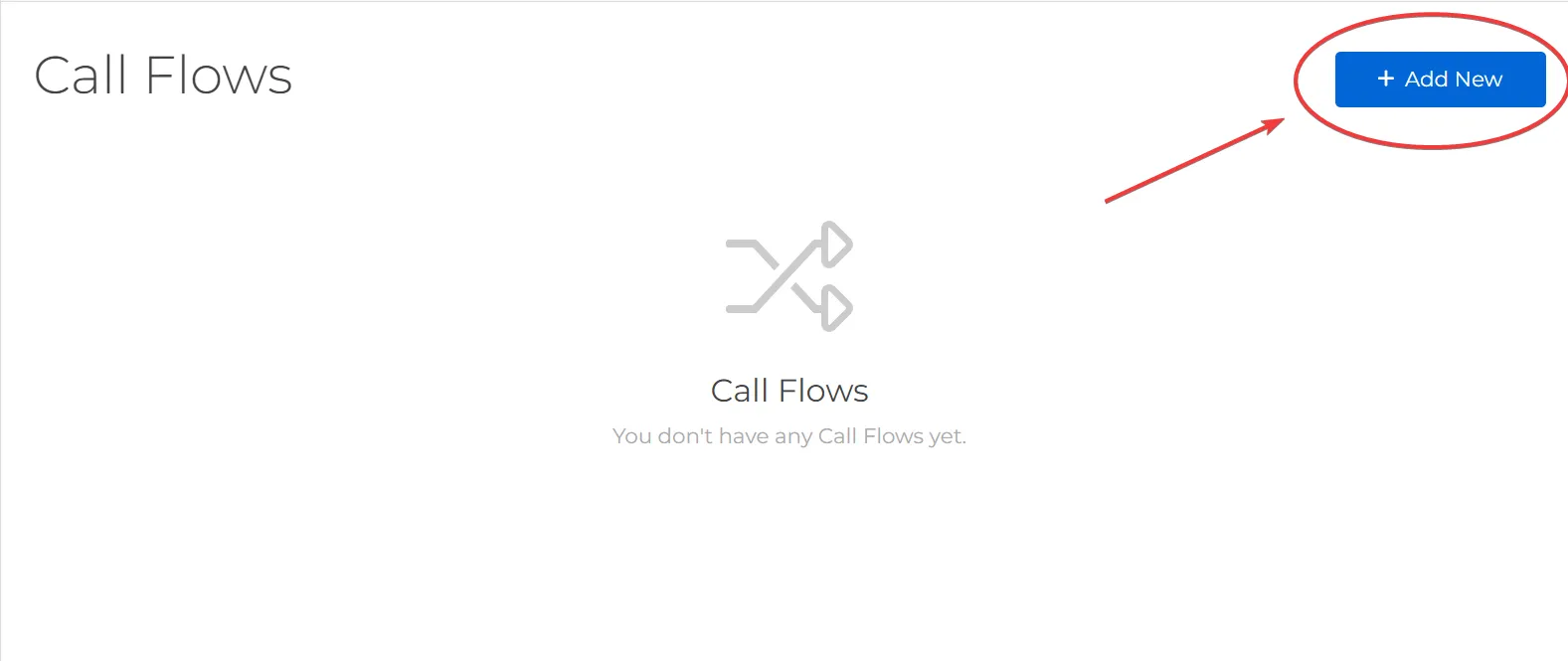
To create a new call flow, click on the `Add New` button in the Call Flow Builder section of the Dashboard.
From here, you can give your call flow a name, and then click `Save` to create the new call flow.
After creating the call flow, the Call Flow will show up in the list of call flows in the Dashboard.
***
### Create a Call Flow
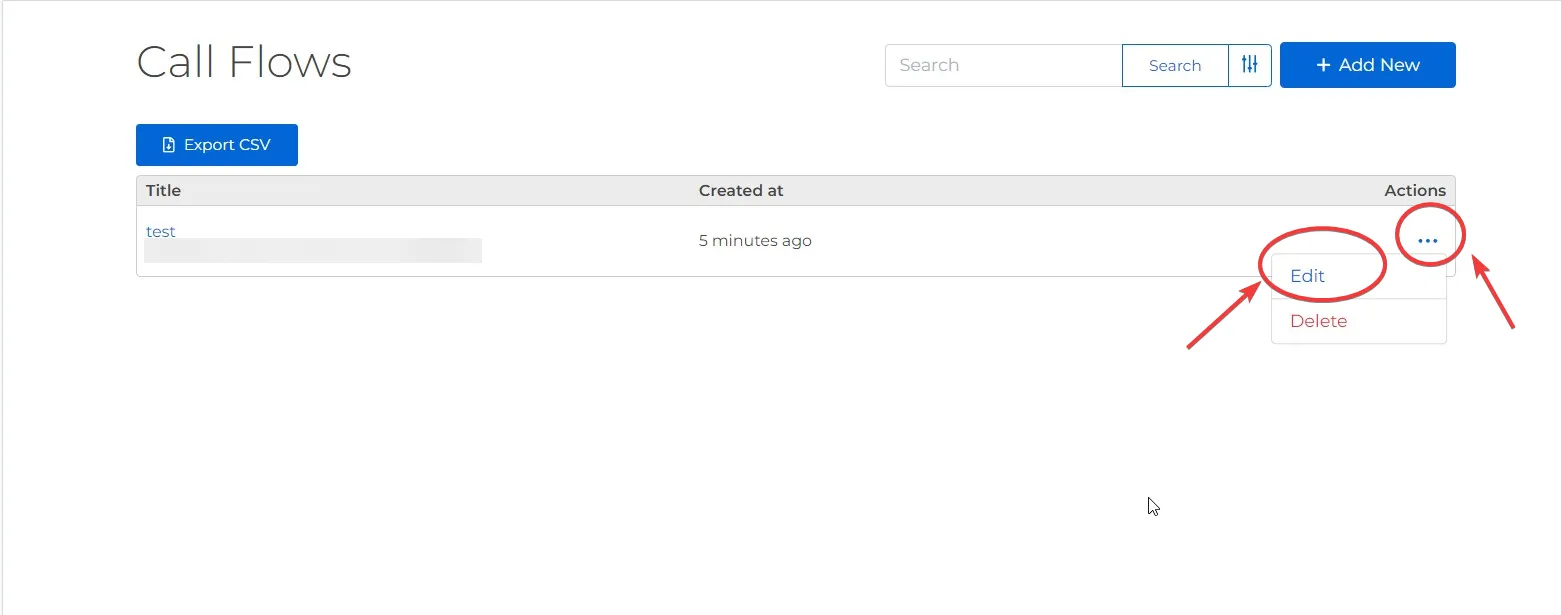
Once a Call Flow has been created, you can click on the `More Options` button to open the Call Flow Builder interface.
From here, click on the `Edit` option to open the Call Flow Builder page.
#### Add a node
When you first open a new Call Flow, you will see a canvas with a single node:
the [Handle Call](/docs/call-flow-builder/reference/handle-call) node.
This node is the entry point for incoming calls and serves as the start of all Call Flows.
From here the Call Flow Builder interface allows you to create and manage call flow nodes using a visual drag-and-drop interface.
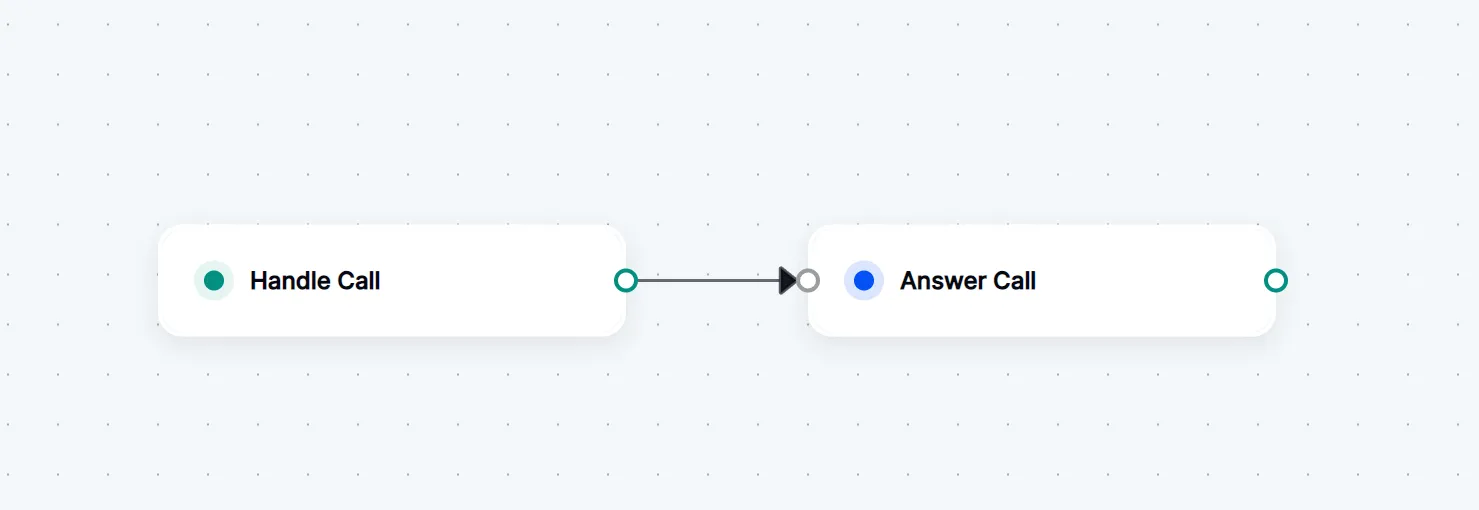
Every node has a single input connector on the left, and one or more output connectors on the right.
These connectors allow you to connect nodes together to create flows and logical relationships.
Add nodes to the Call Flow by dragging them from the left-hand panel and dropping them onto the canvas.
Starting with the [Handle Call](/docs/call-flow-builder/reference/handle-call) node, you can connect a node by
clicking and dragging from the output connector (right side of node) to the input connector (left side of node) of another node.
You will see an arrow connecting the two nodes, indicating that they are connected.
***
#### Configure nodes
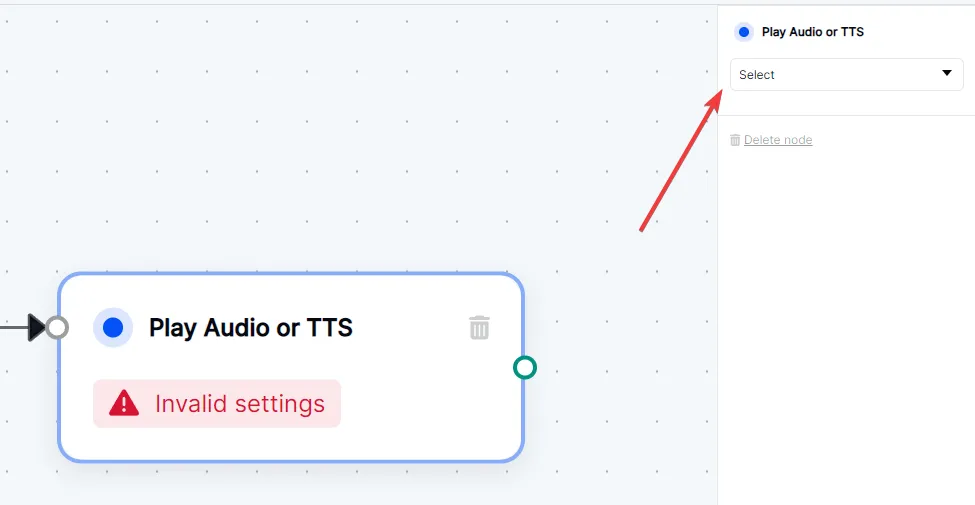
Some nodes have configuration options that can be set by clicking on the node.
This will open a configuration panel where you can set the options for that node.
For example, the [Play Audio or TTS](/docs/call-flow-builder/reference/play-audio-or-tts) node allows you to select an audio file or enter text to be played to the caller.
***
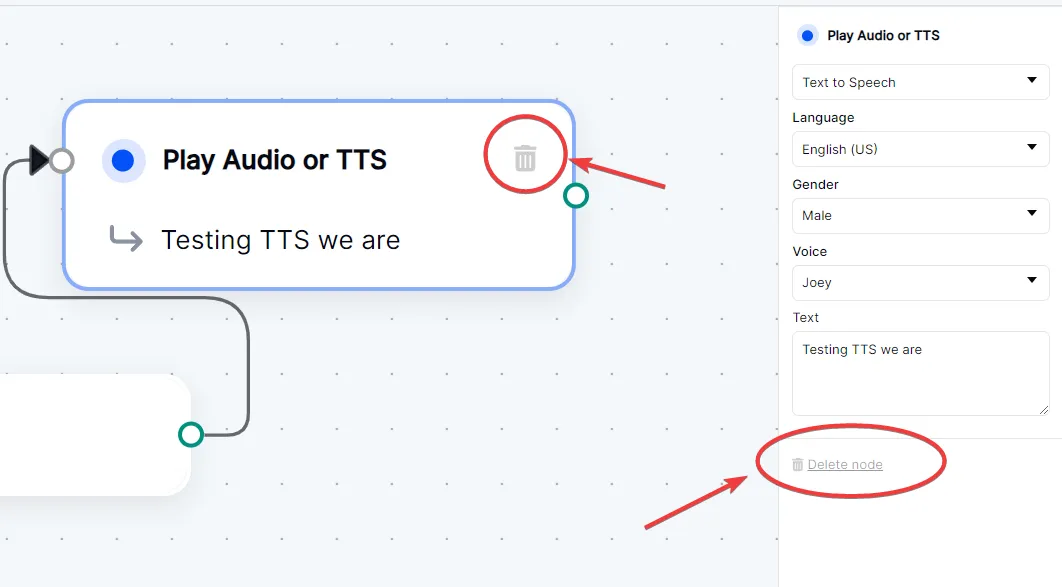
#### Delete a node
To delete a node, you can click on the delete icon located on the right side of the node.
Additionally, you can delete a node if they have configuration options open by clicking the `Delete node` button in the configuration panel.